
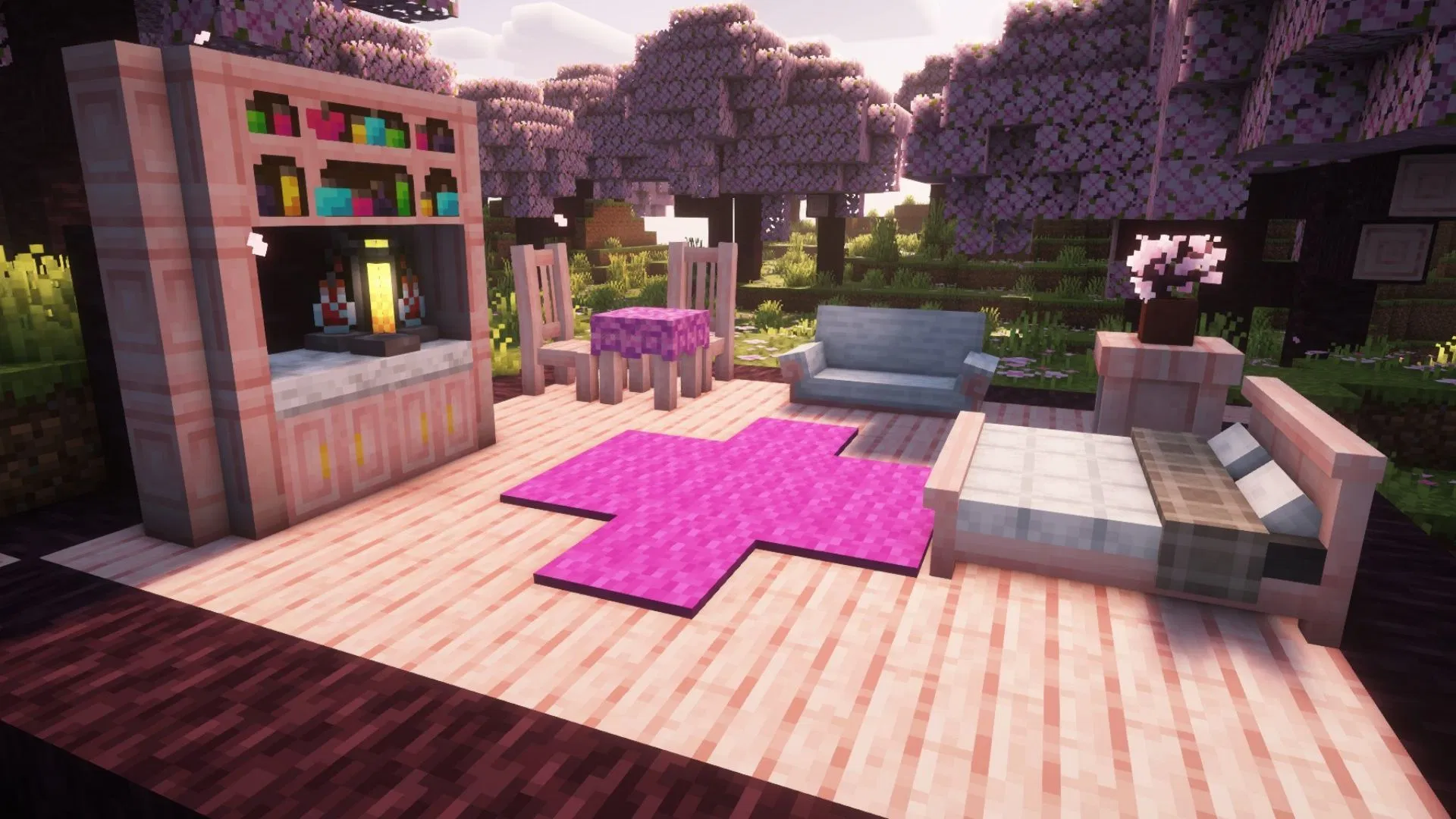

Minecraft Handcrafted mod is a great third-party addon that offers loads of new furniture blocks for you to decorate your base. You have unlimited access to blocks, which can be used to build almost anything, from small huts to massive cities. However, when it comes to interior design, the game does not offer much. Apart from beds and a few other blocks, there is not much worth using inside a house.
This is where the Minecraft Handcrafted mod comes into play. Here are more details about the mod, including some of its major features and a download guide.
Features and download guide for the Minecraft Handcrafted mod
What does the Minecraft Handcrafted mod offer?
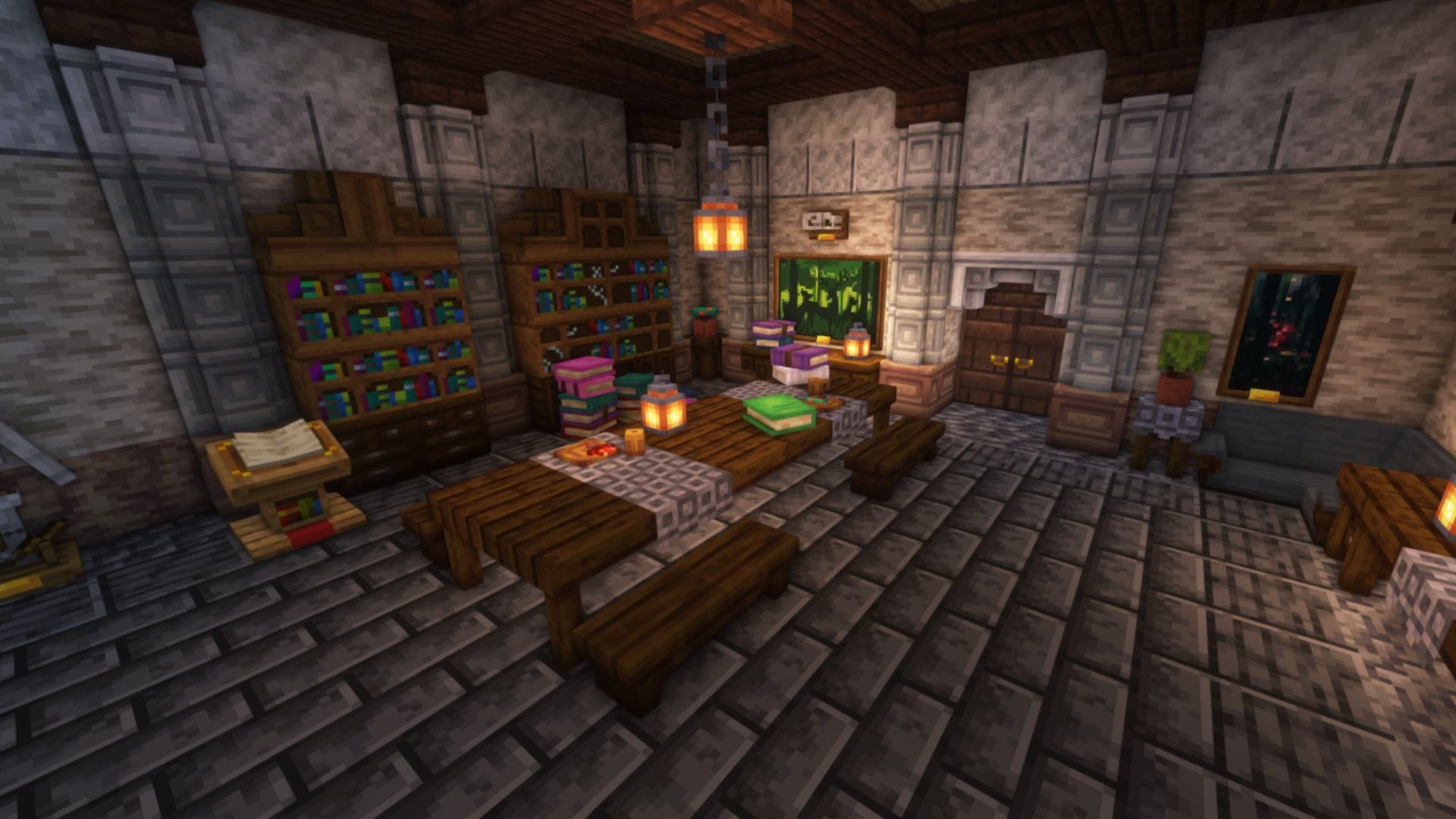
Minecraft Handcrafted is a mod that was created by modders who also developed the popular Chipped mod. This particular mod adds over 250 furniture blocks and items, enough to keep you hooked while building any kind of structure.
Since the game has many types of wood, each of them can be crafted into different furniture blocks, massively expanding the options to choose from. Each block and item offered by the mod will have a different crafting recipe. To easily see crafting recipes, you can install the Just Enough Items mod for easy recipe access for modded blocks.
The blocks have different styles that will suit most kinds of structures, be it medieval, futuristic, or modern, allowing you run wild with your imagination. If you are planning to keep things vanilla, the Handcrafted mod has you covered as well, since it comes with basic-looking furniture blocks.
Here are a few popular furniture items offered by the mod:
- New building blocks
- Chairs
- Tables
- Benches
- Desks
- Cupboards
- Couches
- Custom Beds
- Mugs
- Plates
- Book piles
- Custom frame for mobs or mob heads
- Chest of drawers
- Table cloth
- New paintings
- Pots
- Lamps
How to download and install the Minecraft Handcrafted mod?
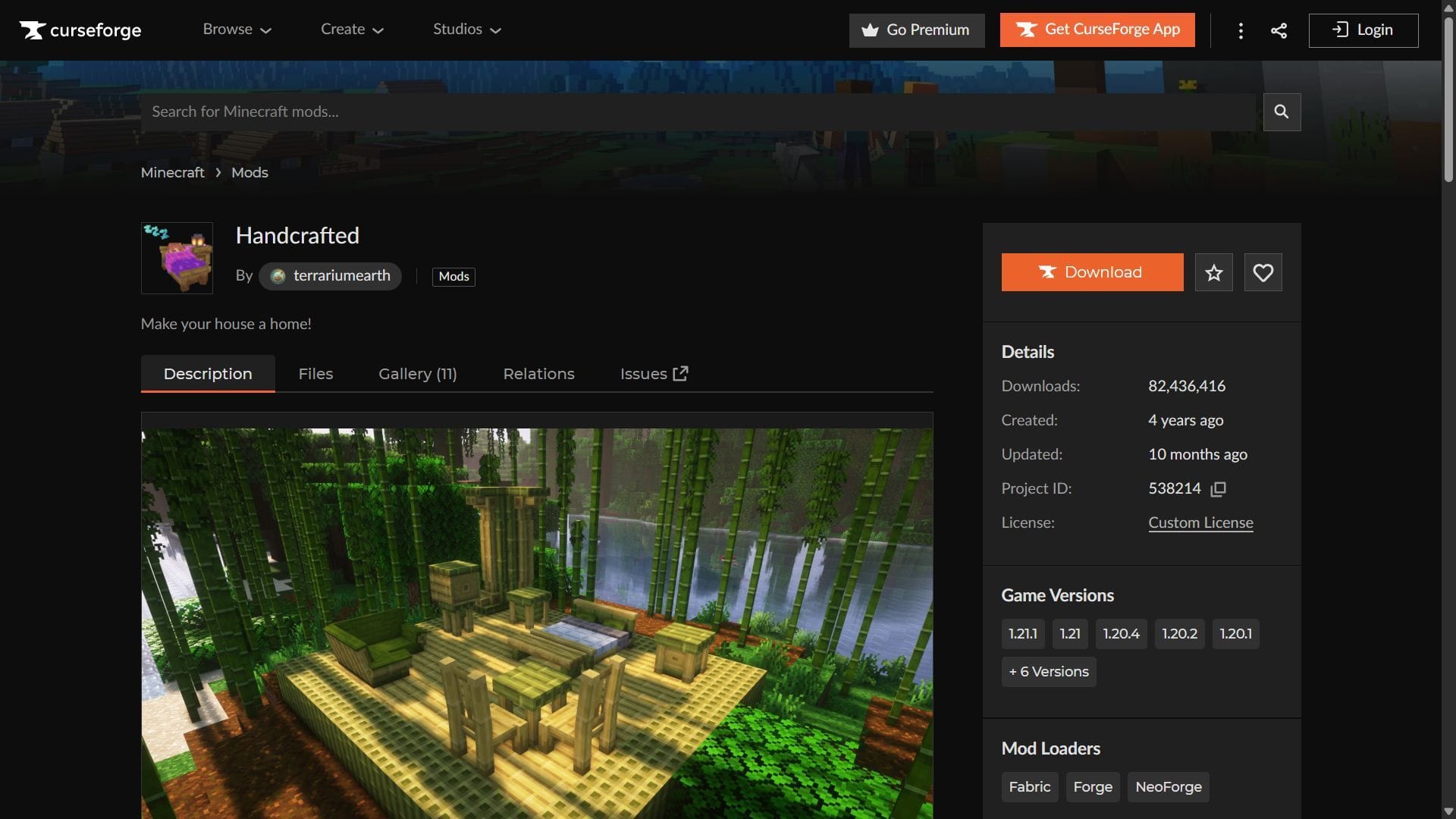
Here is a short guide on downloading and installing the Minecraft Handcrafted mod:
- Download and install Fabric or NeoForge for Minecraft 1.21.1.
- Head to CurseForge and search for the Handcrafted mod.
- On the mod’s product page, find and download the mod file, which should be compatible with Fabric or NeoForge 1.21.1.
- Also, make sure to install the Resourcful Lib mod for Fabric or NeoForge 1.21.1.
- Copy and paste the mod files into the “mods” folder in the root Minecraft directory. For me, it’s C:\Users\admin\AppData\Roaming\.minecraft.
- Open the title’s launcher and find the Fabric or NeoForge 1.21.1 modded game version.
- Open the game, create a new world, and start exploring hundreds of new blocks and items to decorate your house.
Check out our latest articles on Minecraft:
Edited by Akshat Kabra