

Custom license plates in GTA Online are one of those small features that add a surprising amount of personality to your cars. It’s a good DIY if you want something clean, funny, or completely random. Rockstar now makes the process much easier than it used to be, and everything runs through the official Rockstar website.
Here’s how you can make custom license plates in GTA Online in 2026 with ease.
How to create custom license plates in GTA Online in 2026
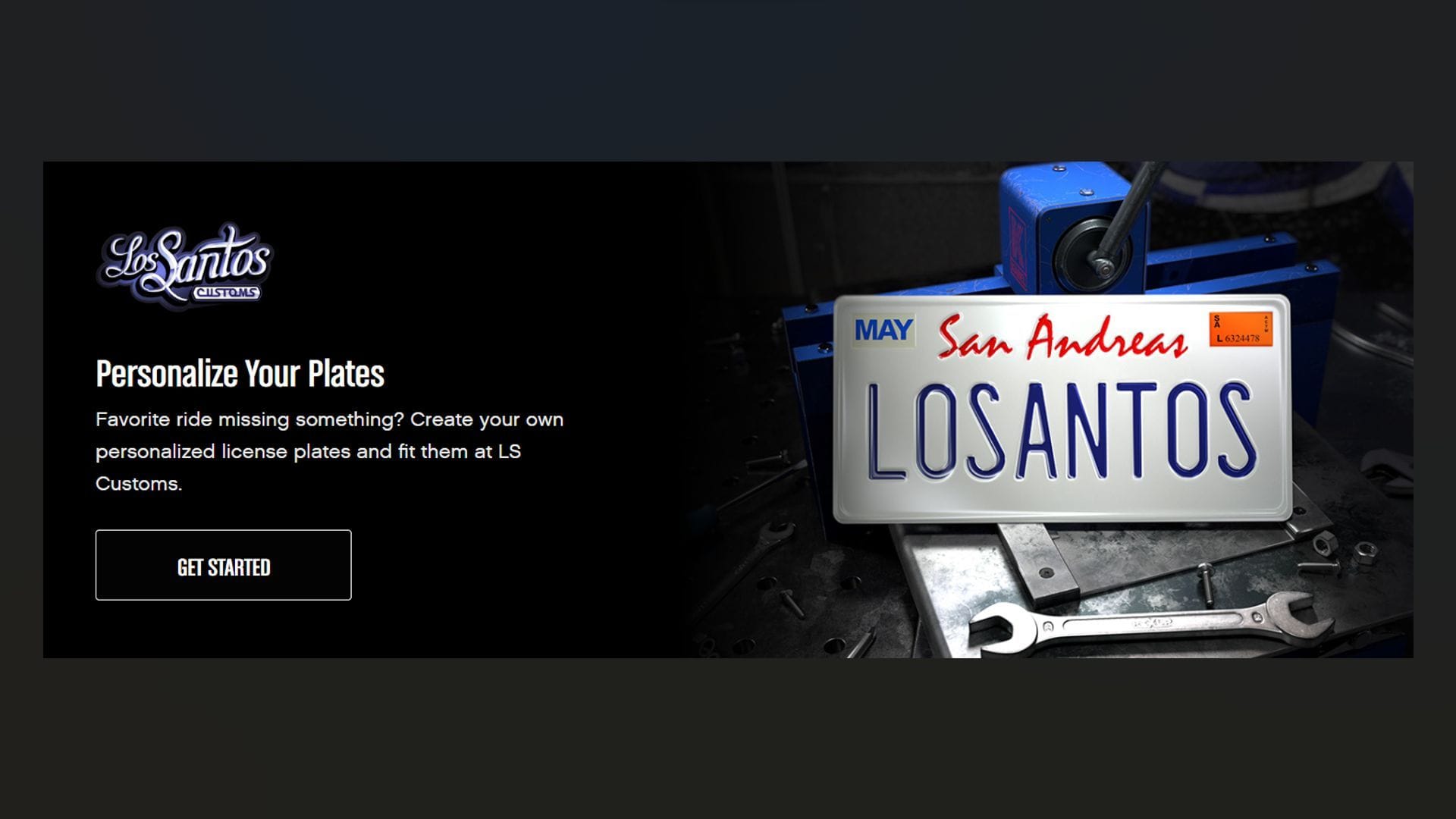
The only real requirement to create custom license plates in GTA Online is a Rockstar Social Club account that’s properly linked to your GTA Online profile. That means:
- Xbox players need their Xbox account linked
- PS players need their PSN account linked
- PC players may need to link Steam as well
Once your account is connected correctly, you’re good to go. Before heading to the website, drive the vehicle you want the plate on in GTA Online. The plate creator only shows recently used vehicles. If your car doesn’t appear on the list later, just drive it around for a few minutes in an online session.
Sometimes switching vehicles and driving a stock Elegy can help refresh the list.
How to use Rockstar’s license plate creator in GTA Online
Rockstar now has a dedicated License Plate Creator section on their website. Once you log in, you’ll see all the custom plates tied to your account. You can store up to 30 different custom plates, which is more than enough for most players.
That means you can rotate between different designs instead of constantly replacing old ones. From the homepage, select ‘New Order +.’
1) Creating your plate design
This is where you enter the custom text you want. You can use:
- Letters
- Numbers
- A mix of both
Be creative here. It can be something subtle or something that stands out immediately. Once you type the plate text, you can choose a style. There are different plate backgrounds available, though realistically, you can still adjust some styling later in-game.
The website gives you two viewing options:
- A flat 2D preview
- A 3D preview mounted on a vehicle
The latter is more realistic, and you can rotate the camera to see how it looks from different angles. You can also preview how it would appear on a sample car, like a Banshee, to get a better sense of placement.
When you’re satisfied, select Next.
2) Assigning the plate to a vehicle
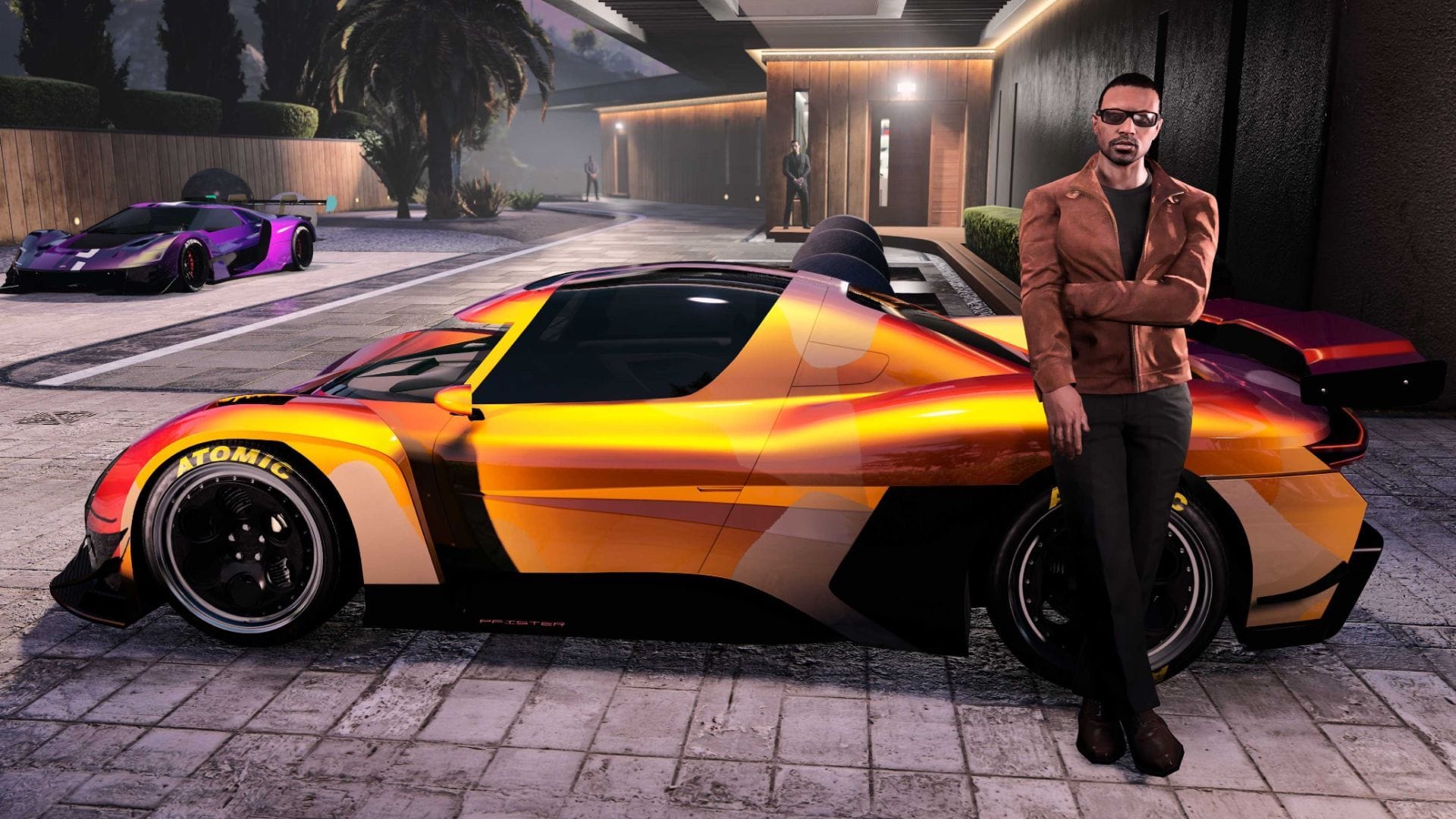
Now you’ll see a list of recently driven vehicles tied to your account. This is why driving your target car beforehand matters. Pick the vehicle you want the order assigned to. For example, if you were driving a Weaponized Ignus earlier, it should appear here. Once selected, place the order.
Make sure you are actively logged into GTA Online when doing this. Being in an online session helps ensure the order processes properly.
After placing the order, you should see confirmation on the website saying the order was received.
3) Finalizing the plate in-game
Within a short time, you’ll receive an in-game notification from Los Santos Customs telling you to visit and complete the order. Take the specific vehicle you selected to Los Santos Customs. As soon as you enter, you’ll see a prompt to process the license plate order.
The cost to apply it is $600. Once you confirm, your custom license plate replaces the current ones immediately. The plate is now permanently available on your account and can be selected as a default option under the Plates section for other compatible vehicles.
What to do if the custom license plates in GTA Online don’t appear
Sometimes players don’t see the notification right away. If that happens:
- Switch vehicles and place the order on a different one
- Restart the game
- Make sure you’re in an active online session
Usually, a quick restart solves the issue for custom license plates in GTA Online.
Check out more GTA-related content below:
Edited by Rishi Pallav