
Sailor Piece has solidified its position as one of the top playing titles on the Roblox platform, rivaling Blox Fruits and King Legacy. This addition to the bandit-beater genre lets you travel to different islands, fight enemies, and enhance stats by interacting with different systems, like Spec Passive and Skill Tree. The game also has a long item pool, most of them being important for progression and unlocks.
This article features all controls and keybinds for Sailor Piece to help you get started with your adventure.
Sailor Piece controls for all platforms
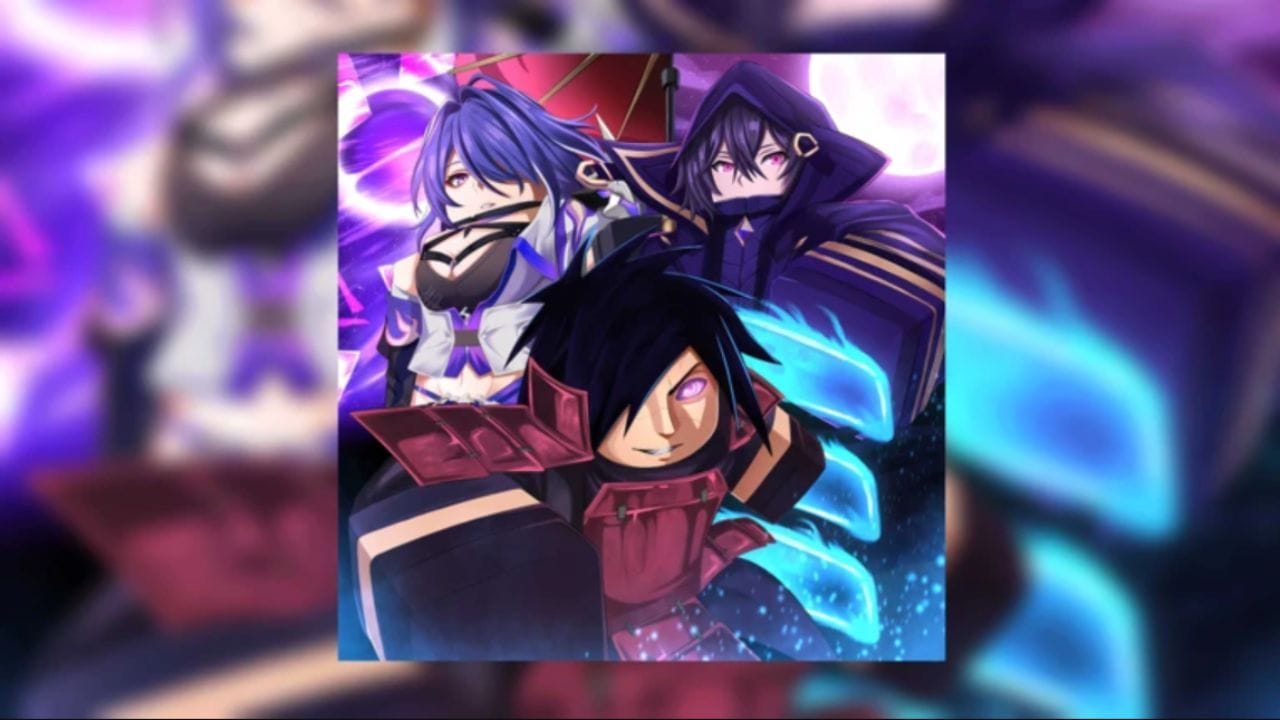
Sailor Piece is a cross-platform game with console support. Here are its controls for different devices.
Mobile controls
The controls for Android and iOS users are fairly straightforward as each action has a separate on-screen button.
- Movement – Drag the invisible joystick on the left side of the screen
- Jump – Press the arrow on the right side of the screen
- Shiftlock – Lock button on the bottom of the screen
- Sprint – Toggle the Sprint button
- Dash – Hit the Dash button
- Observation Haki – Click the Obs button
- Armament Haki – Click the Haki button
- Conqueror Haki – Click the Conq button
- Attack – Tap on the screen
- Abilities – Equip the ability from the hotbar and then click the screen
PC controls
Listed below are the PC keybinds for the game.
- Movement – WASD or arrow keys
- Attack – Left mouse click
- Dash – Q
- Toggle Sprint – Ctrl
- Skill 1 – Z
- Skill 2 – X
- Skill 3 – C
- Skill 4 – V
- Skill 5 (ultimate) – F
- Armament Haki – G
- Observation Haki – H
- Conqueror Haki – J
- Drop fruit – Equip the fruit and press the Spacebar
- Shift Lock – Shift
Xbox controls
The following controls apply to every Xbox console, including the new Series X and Series S:
- Movement – Left Joystick
- Attack – RT
- Dash – LT
- Skill Z – X
- Skill X – Y
- Skill C – B
- Skill V – ↑
- Skill F – →
- Armament Haki – ↓ (Tap)
- Observation Haki – ↓ (Double Tap)
- Conqueror Haki – ↓ (Hold)
PlayStation controls
Here are the game’s controls on PlayStation 4 and PlayStation 5.
- Movement – Left Joystick
- Attack – R2
- Dash – L2
- Skill Z – □
- Skill X – △
- Skill C – ○
- Skill V – ↑
- Skill F – →
- Armament Haki – ↓ (Tap)
- Observation Haki – ↓ (Double Tap)
- Conqueror Haki – ↓ (Hold)
About Sailor Piece on Roblox
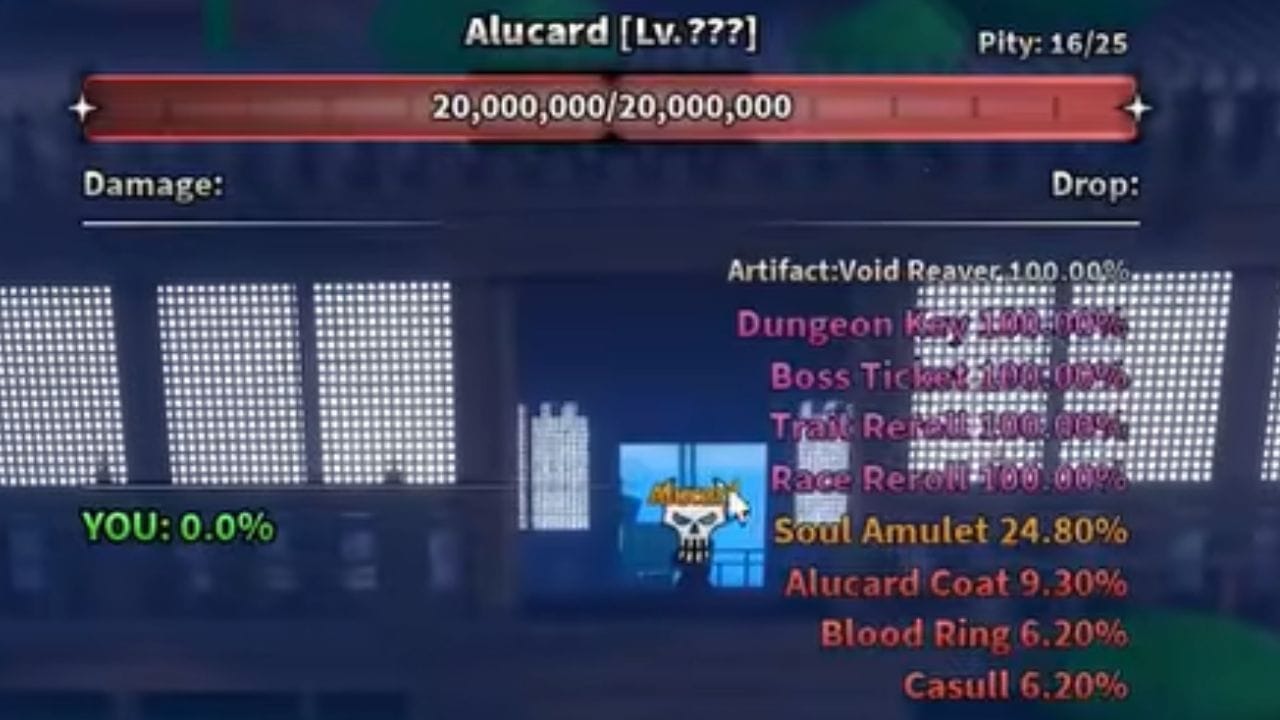
Sailor Piece is an anime-inspired RPG that puts you in the role of a sailor. Your initial gameplay is centered on traversing multiple islands, fighting enemies to level up, and increasing your stats. Almost every island has a Quest NPC, which gives you missions for earning Money, EXP, and items. After reaching the endgame, you can challenge the Infinite Tower to try to clear the most floors.
Interacting with NPCs is a vital part of the gameplay. Apart from the quest-giving characters, you’ll find ones that let you unlock weapons and combat styles, and access mechanics like Traits, Clans, and Races. You’ll need to defeat mobs as well as bosses to gain items for unlocking more content, but this is easier said than done, since some items have a drop chance that goes below 1%.
Also check: Primordial Rune Sailor Piece guide
FAQs on Sailor Piece
What is the PC keybind for Conqueror Haki?
Press the J button to activate the Conqueror Haki.
How do I execute a Dash in the game?
The Dash controls are as follows: Q button (PC), LT (Xbox), and L2 (PS4/PS5).
Is Sailor Piece a free game?
Yes, this game is free-to-play, although it has optional microtransactions.
Edited by Spandan Chatterjee