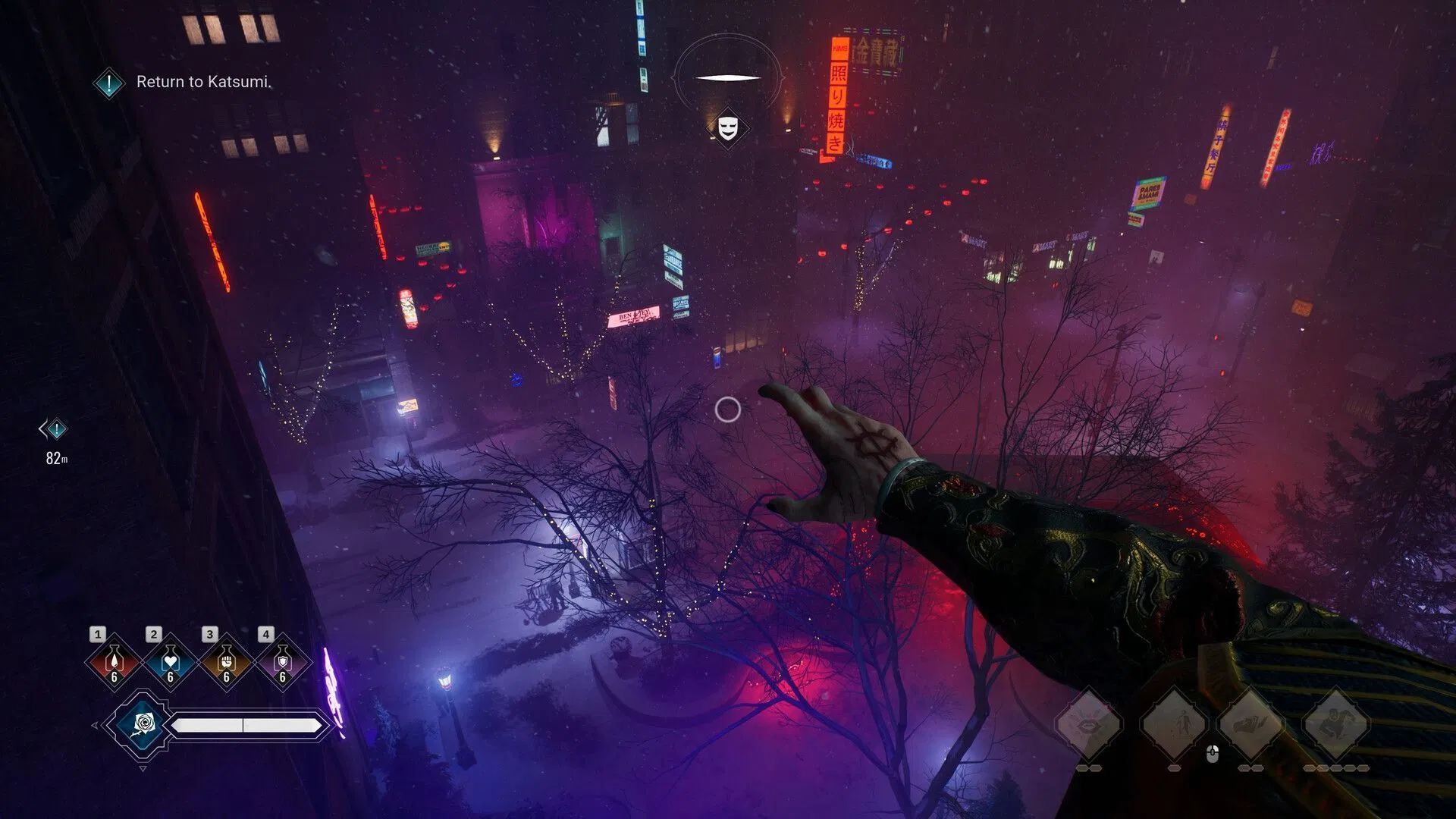


Minecraft Alpha Protocol mod brings a fun way to travel back in time to an older version of the game. This mod basically connects the Alpha version to the new version using a unique time machine made and operated entirely using vanilla blocks and items.
Here is more information about the Minecraft Alpha Protocol mod.
Features and download guide for Minecraft Alpha Protocol mod
What does the Minecraft Alpha Protocol mod offer?
Minecraft Alpha Protocol mod adds a new portal that lets you enter the Alpha version of the game directly from the new version. The portal machine is made from different vanilla blocks, but the portal itself opens up through the cracks that form in the sky. Basically, the blue sky cracks, and the Alpha version world will be seen floating upside down beyond the portal itself.
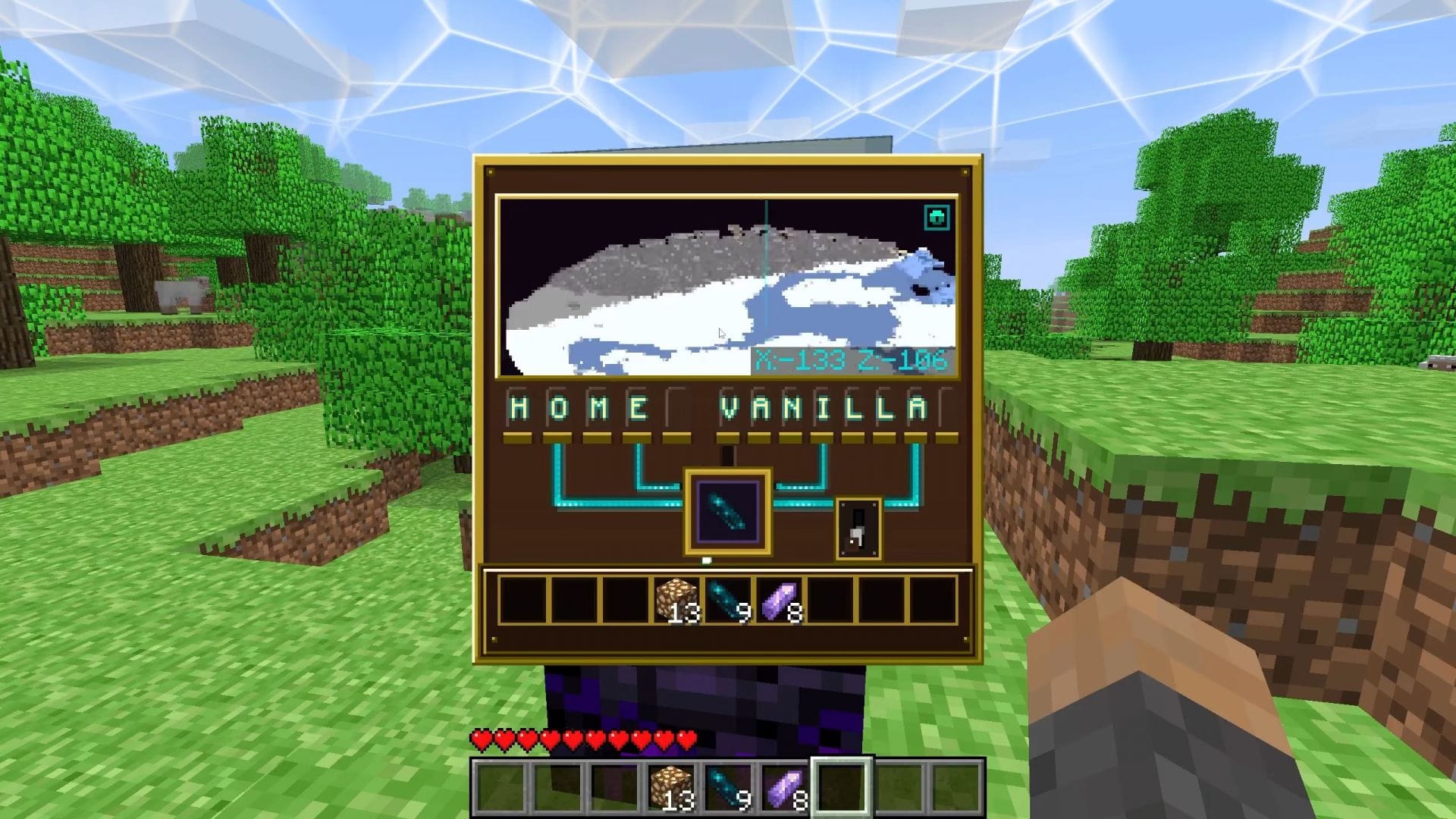
The portal machine first requires you to create a respawn anchor, fully charged with glowstone blocks. Then, you need to place a beacon on top of it, and right-click the beacon to open the new time-traveling interface. The interface will have one slot with several lines going up. In this slot, you must insert an amethyst shard.
Once the amethyst shard is inserted, you can press the machine’s button beside the slot. The machine will create several cracks in the sky, which will then reveal the Alpha version of the game floating upside down beyond the portal.
You then need to craft a new item called charged amethyst shard and activate it anywhere beside the portal machine to teleport to the Alpha version of the game itself.
Once you enter the Alpha version, you will notice that every block you have and use will have the old Alpha texture as well. The only exception will be the newer blocks you bring from the newer version. Additionally, the terrain, fog, ambient sounds, rough lighting effects, and even the controls will be from the Alpha version.
To return to the new version, you need to create the same portal machine in the Alpha world and place an echo shard instead of an amethyst shard. Furthermore, the Minecraft Alpha Protocol mod trailer shows that you can also choose a specific location in the new version’s world to teleport.
How to download and install the Minecraft Alpha Protocol mod?

Here is a guide on downloading and installing the Minecraft Alpha Protocol mod:
- Download and install Fabric for 26.1.2.
- Head to Modrinth and search for the Alpha Protocol mod.
- On the mod’s product page, find and download the mod files that are compatible with Fabric 26.1.2.
- Make sure to download and install Fabric API and Sodium as well.
- Copy and paste the mod files into the “mods” folder in the root game directory. For me, it’s C:\Users\admin\AppData\Roaming\.minecraft.
- Open the official game launcher and find the Fabric 26.1.2 modded version in the drop-down menu.
- Open the game, create a new world, and start building the portal machine to enter the Alpha version through a unique portal.
Check out our other content:
Edited by Akshat Kabra