

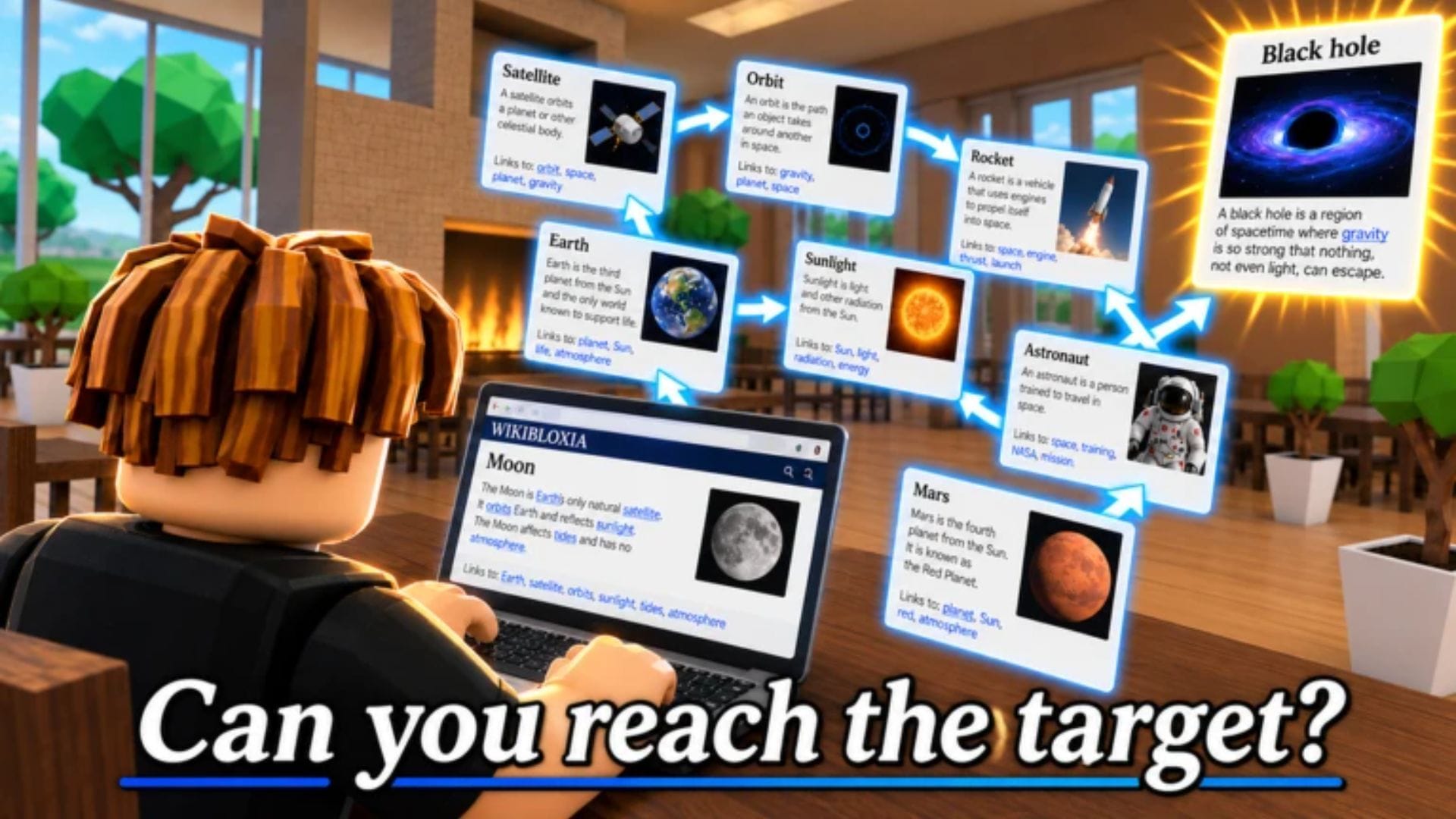
WikiRace is a Roblox experience that tasks you with reaching the target article from the specified article. You start at a random article, and by jumping from one link to the next, you can reach the target article. This is a PvP puzzle experience, where you can compete with several other players to reach the target article as quickly as possible.
This guide gives you a rundown of WikiRace, going over its basics and how to approach its core gameplay loop.
Getting started in WikiRace
Overview
Upon launching the game, WikiRace places you in a lobby with up to 70 other players. You can occupy any of the vacant seats in the lobby to access your in-game laptop and get started.
The premise of WikiRace is simple: the game assigns you two topics at the beginning of a round. One of these serves as the starting point, while the other is the target. The starting point is an article with various in-game hyperlinks, which you can use to jump from one article to the next.
Your objective is to use these hyperlinks to reach the target article in the in-game browser. Note that these are not real hyperlinks and they don’t interact with the internet directly. They are in-game equivalents based on real articles.
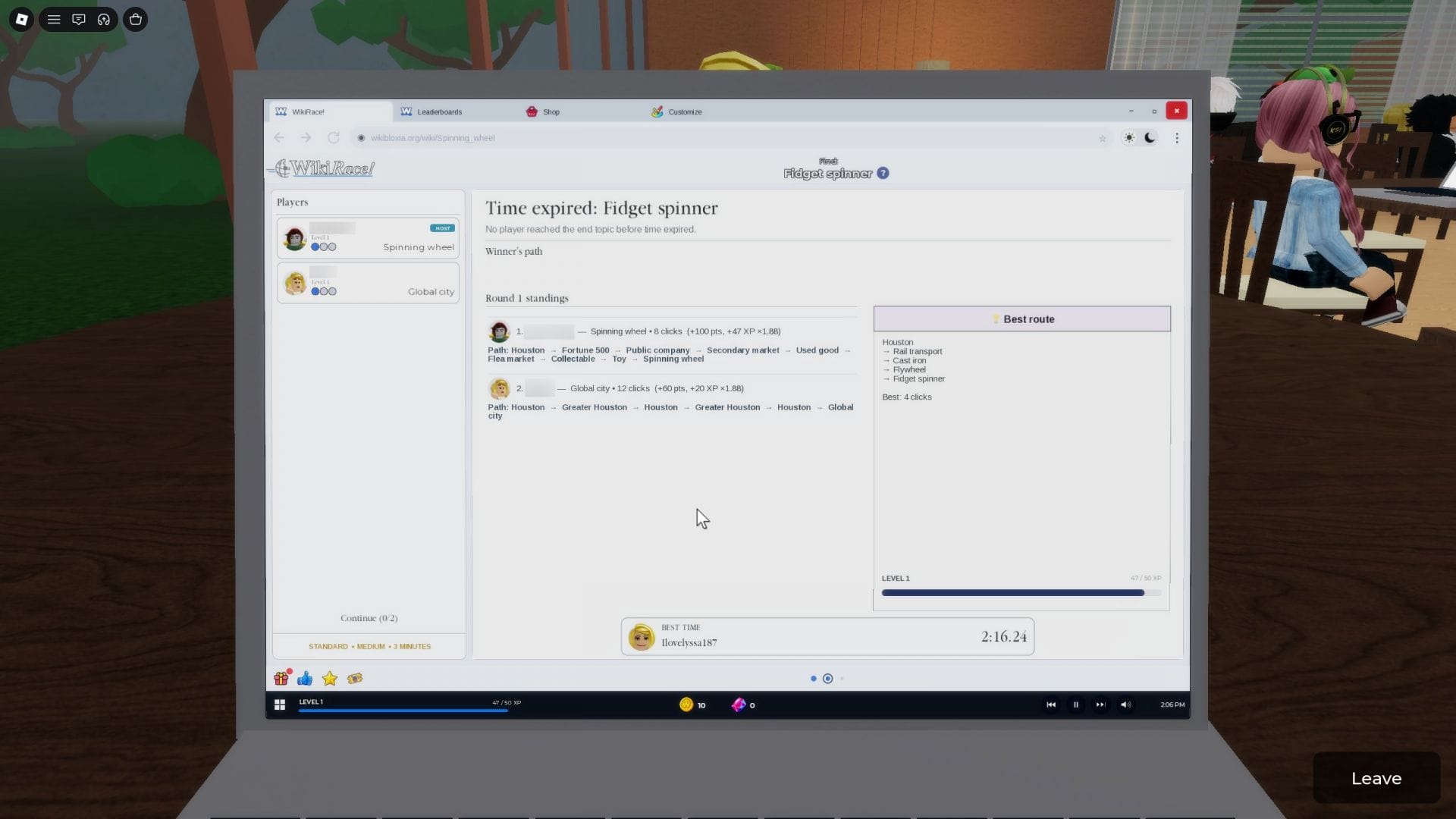
This game is a PvP experience at its core, but you can play solo as well. There is always an optimal route from the starting point to the target article, which the game reveals once a round is over. You can check the optimal route and compare your own path to see how close you were to being as fast as possible.
At the end of a round, if you manage to reach the target article, you will earn Coins and XP. If you don’t reach the end point, you will earn XP based on how close you were to reaching the end.
Also read: Finish the Word: A beginner’s guide
Controls
- Movement: W, S, A, D
- Jump: Spacebar
- Interact: E
- Laptop navigation: Mouse
Gameplay features and tips
- Finding the quickest path to the target: While being efficient at finding the target article is not necessarily dependent on having precise knowledge, being able to recognize the context is important. The key to finding the quickest path to the target is to recognize the commonality between it and the starting point. For instance, the tutorial instructs you on reaching the Solar System target article with the Cat article as your starting point. This requires you to make the connection that you must find the Earth hyperlink to navigate to the Solar System. Outside of the tutorial, making this connection can often be challenging, especially if it is outside your domain of knowledge. Typically, the quickest path to the target is only around five clicks away from the starting point, but finding that path is not usually feasible.
- Warmth meter: During a round, you can spot the “Warmth meter” in two spots: the top right corner of the screen and the panel on the left. The Warmth meter is a three-dot system, which fills up based on how close you are to the target. A single filled dot is “Cold”, two filled dots indicate your stats as being “Warm”, and three filled dots are deemed to be “Hot”. If your Warmth meter depletes upon switching to another hyperlink, you may want to use the arrow buttons at the top left to return to an earlier page.
- Difficulty and timer: The host of a game sets the difficulty and timer of the match. There are three difficulty levels to choose from: Easy, Medium, and Hard. These determine how challenging it will be to make the connection between the starting point and the target. You can add to the challenge (or lack thereof) using the timer, which ranges from three minutes to unlimited.
- Game modes: The game features four modes: Standard, Last Man Standing, Topic Toss, and Chaos. The Standard mode is the regular game mode, where you and the opponent participate in a 3-round race. In the Last Man Standing mode, the game awards the wins for each elimination round based on the last player seated. Topic Toss enables two random players to select the starting point and target articles. Lastly, Chaos involves players sabotaging each other over the course of three rounds.
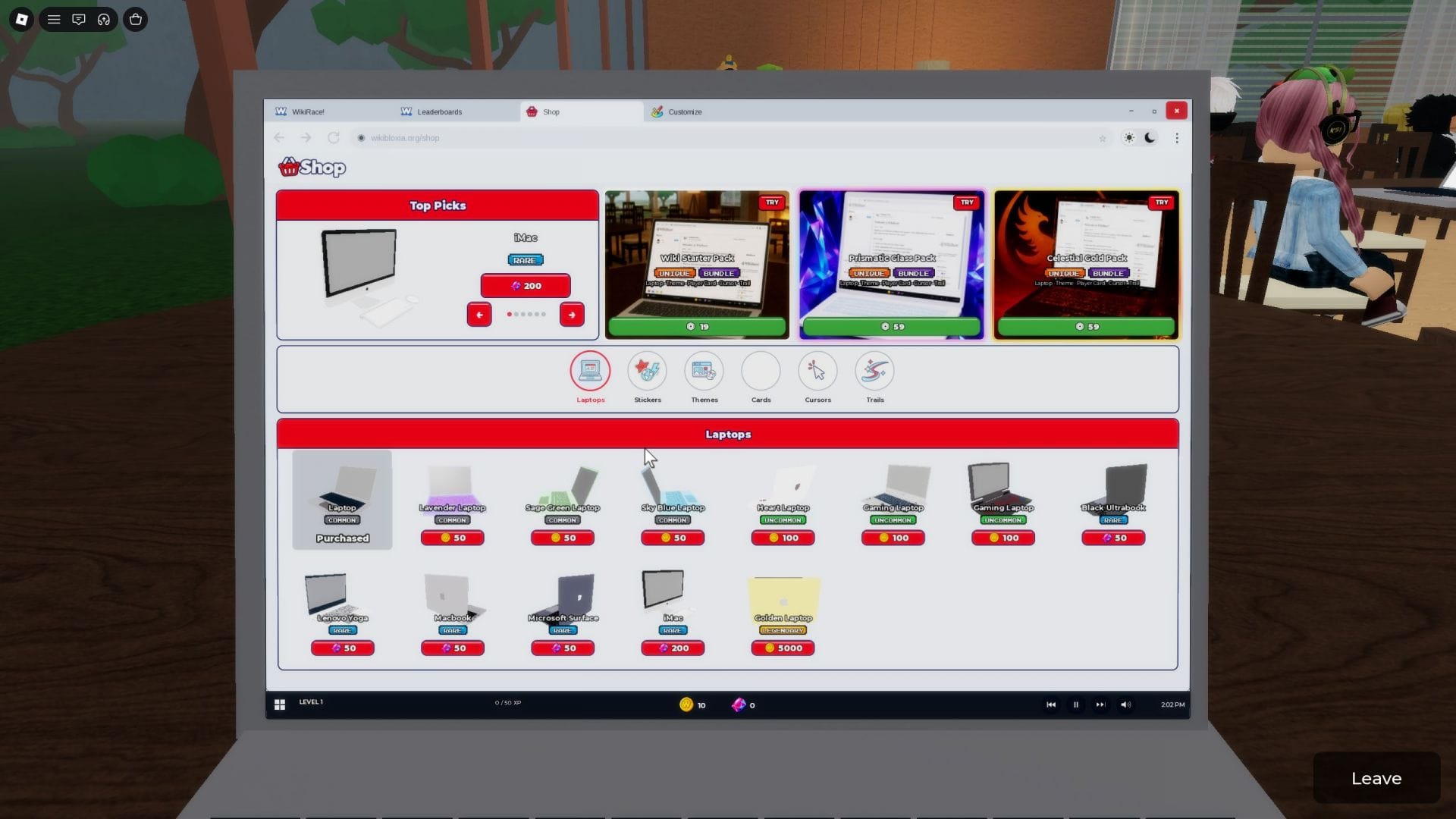
- Coins and Gems: Coins can be earned in-game by completing rounds, while Gems are earned by finishing daily missions. Both of these currencies can be used to purchase cosmetics, allowing you to customize the appearance of your in-game laptop. You can also purchase new laptops using Coins and Gems.
Also read: Unique Roblox username ideas for new players
FAQs on WikiRace
What is WikiRace about?
WikiRace is about browsing the in-game links to reach the target article from a random starting point.
Is WikiRace free to play?
Yes, you can play the game for free without relying on premium purchases.
How do I unlock new laptops in WikiRace?
New laptops can be unlocked using Coins and Gems.
Edited by Swapnil Joshi