
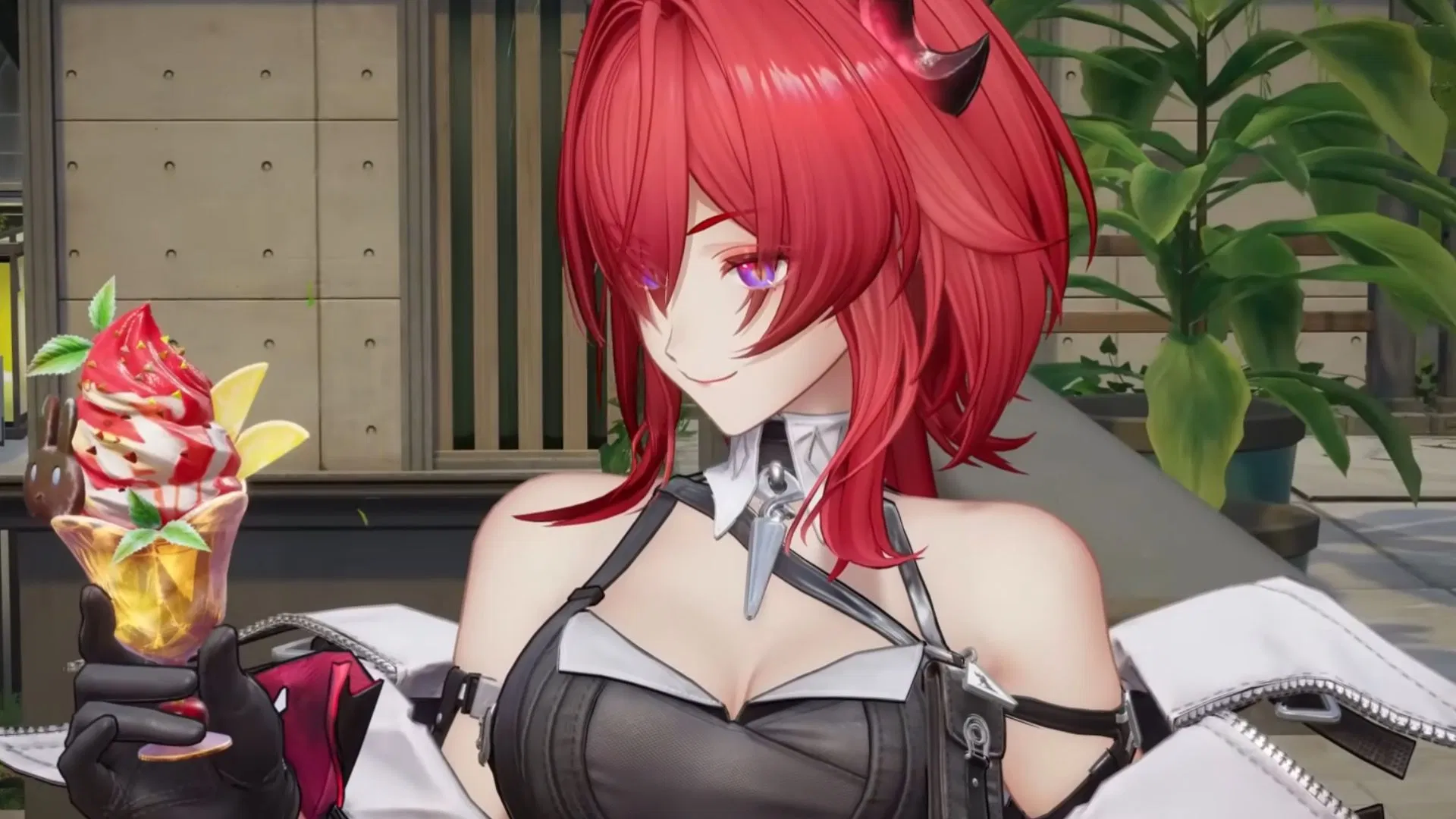

Arknights: Endfield is a brand-new free-to-play gacha game from Gryphline. Unlike other titles from the same genre, the visuals of Endfield are quite mesmerizing while also offering interesting fighting mechanics. That said, players are looking forward to the game’s release. Since having multiple devices, such as PC, Mobile, and consoles, is not unusual, many might wonder if this title has cross save to share progression and data across several platforms.
Upon release, Arknights: Endfield will have cross save across PC, Mobile, and PlayStation 5. The following section further discusses this matter.
Cross save in Arknights: Endfield, explored
As mentioned previously, Arknights: Endfield supports cross save/progression across PC, Mobile (Android and iOS), and PlayStation 5. This allows players to log into the title on any of the aforementioned platforms and enjoy the game on the same account without losing any progression.
Also read: All redemption codes in Arknights Endfield
How to enable cross save in Arknights: Endfield?
The process to enable cross save is exceptionally simple. For PC players, all you have to do is create a Gryphline account and log in. On Mobile (iOS and Android) devices, the process is also the same. Just log in with your Gryphline account, and you will be able to play on your main account without having to lose any progression.
While the process for PC and Mobile devices is quite easy, the one for PlayStation 5 is a little bit complicated. Fret not, as we will be discussing how you can turn it on.
First off, you have to link your PSN with your Gryphline account. To do so, make sure the email address has never been registered with a Gryphline account, or the PSN account has never logged into the title. If one of the aforementioned conditions is met, you can link both accounts. When you are done, cross save/progression across all eligible platforms (PC, Mobile, and PS5) will be enabled.
Keep in mind that cross save/progression only works in the same region. For example, if you are playing Arknights Endfield in Asia and your PSN account is in Europe, the feature will not work. Since you cannot manually change regions in PS5, you must contact PlayStation support to do so.
Also read: Arknights Endfield release time and countdown
Check the following section out for more Arknights Endfield articles:
Are you stuck on today’s Wordle? Our Wordle Solver will help you find the answer.
Edited by Argha Halder