
Meta’s Edits video editing app has announced its latest round of new features, including streamlined storyboards via sticky notes, more templates based on popular formats, lock screen widgets on iOS, and more.
First off, Edits is getting new content planning refinements, which will make it easier to map out your ideas in sticky notes.
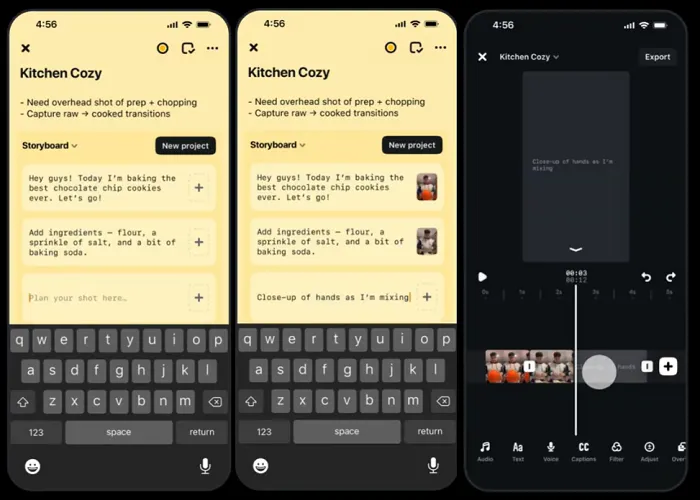
As you can see in this sequence, with this improved planning flow, you’ll be able to more directly map out your videos, by attaching video clips to your sticky notes, and mapping out your videos in a more structured way. Those notes will then be overlaid on the actual project in Edits, combining your planning process into the creation flow.
Edits is also getting more templates, including formats aligned with popular music, emerging trends and more.
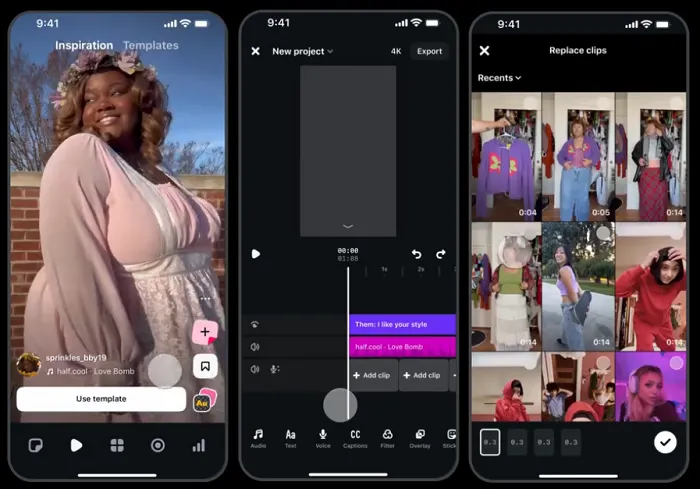
So, if you see a video you like, you can tap on “Use template,” which will then enable you to easily add in your own clips to the same content format.
The Edits team says it’s still building out the templates process, so some users will see this and others won’t, while some creators may also start seeing a dedicated ‘Templates’ section in the app (currently only available in the U.S., the U.K., Canada, Australia, New Zealand, Ireland).
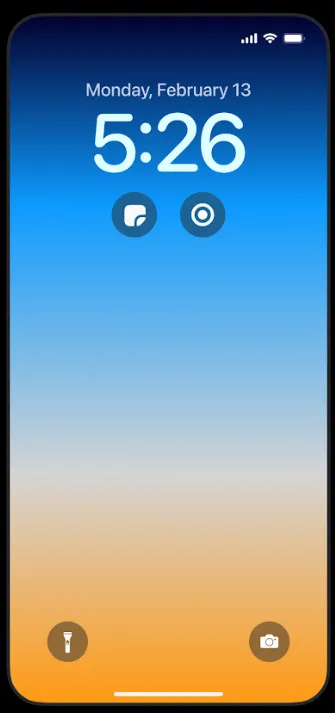
Edits has also got some new lock screen widgets for iPhones, which will make it easier to access the camera in Edits, or a sticky note reminder of content ideas (which will be saved directly to the app).
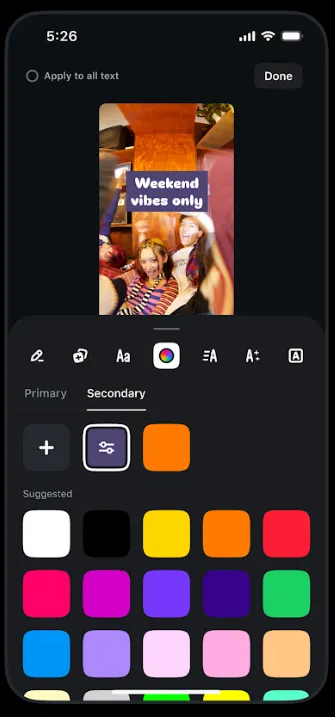
While you can also now customize a secondary color for your text and captions.
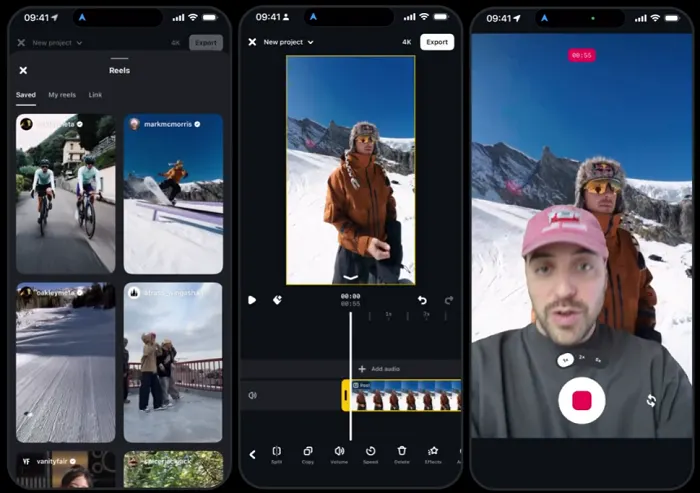
You’re also now able to add publicly posted IG Reels to your projects for reaction videos and the like.
The Edits app continues to go from strength to strength, with a range of valuable editing features that can help you create more resonant, engaging video clips.
If you’re creating short-form video in particular, you need to at least be aware of the latest Edits functionality, and given that it’s free, it’s worth checking out, and seeing what you can create in the app.
You can download Edits here.