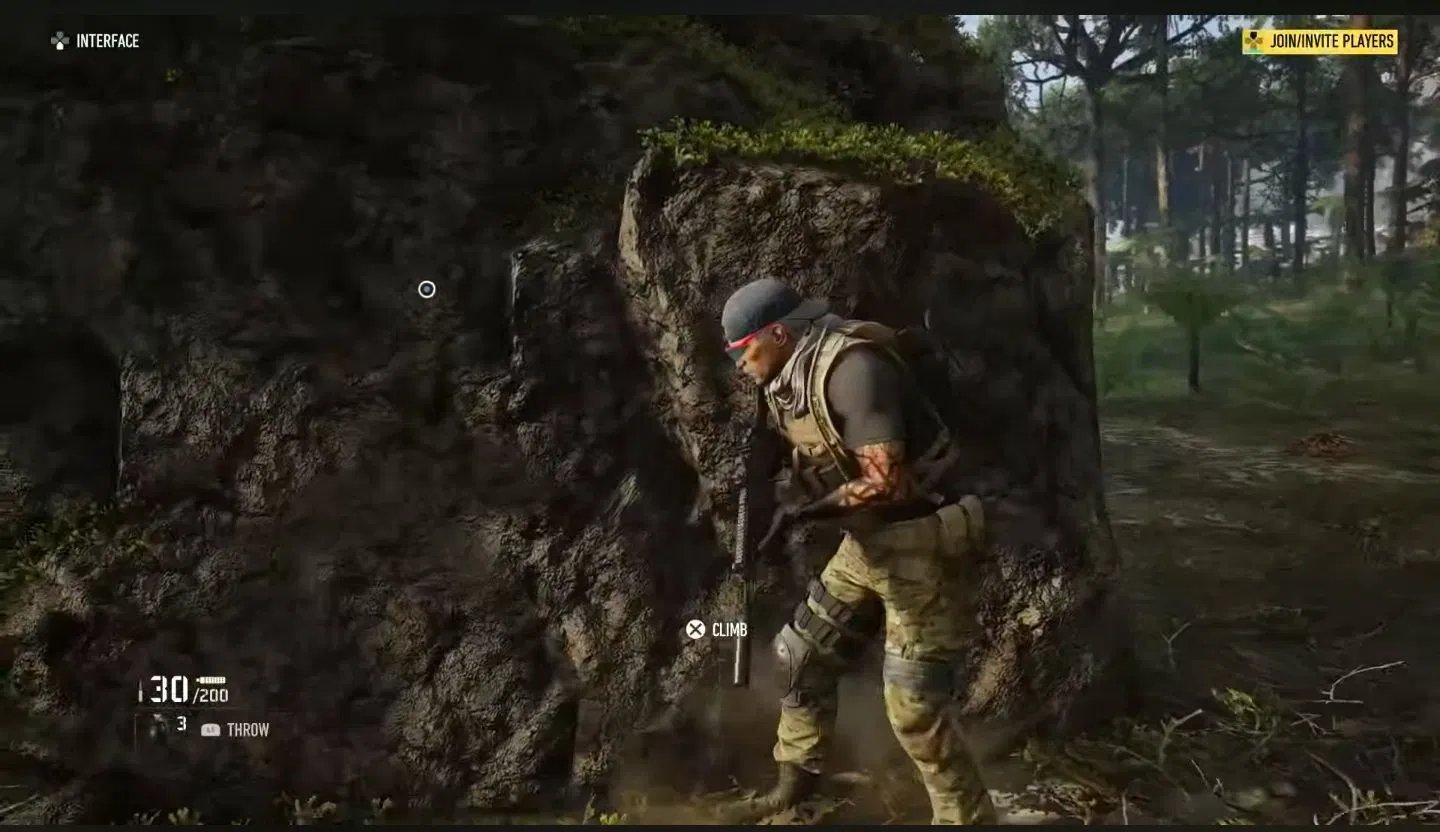

Ghost Recon Breakpoint is a fast-paced action title set in a vast open world where intense action is always on the line. For such a title, having a favourable view of the surrounding environment is important. While in third-person view, the default perspective is over the left shoulder.
Therefore, some players may feel a lack of visibility on the right, especially when there is more room to take the shot from that side. Fortunately, the game offers a Shoulder Switch option, allowing you to change the perspective according to your preference. Additionally, the process is simple: you can switch between both sides whenever required.
In this detailed guide, we will explain how to do Shoulder Switch in this Ubisoft open-world shooter.
Read more: All Ghost Recon offers and rewards revealed at 25th Anniversary Showcase
Ghost Recon Breakpoint Shoulder Switch guide
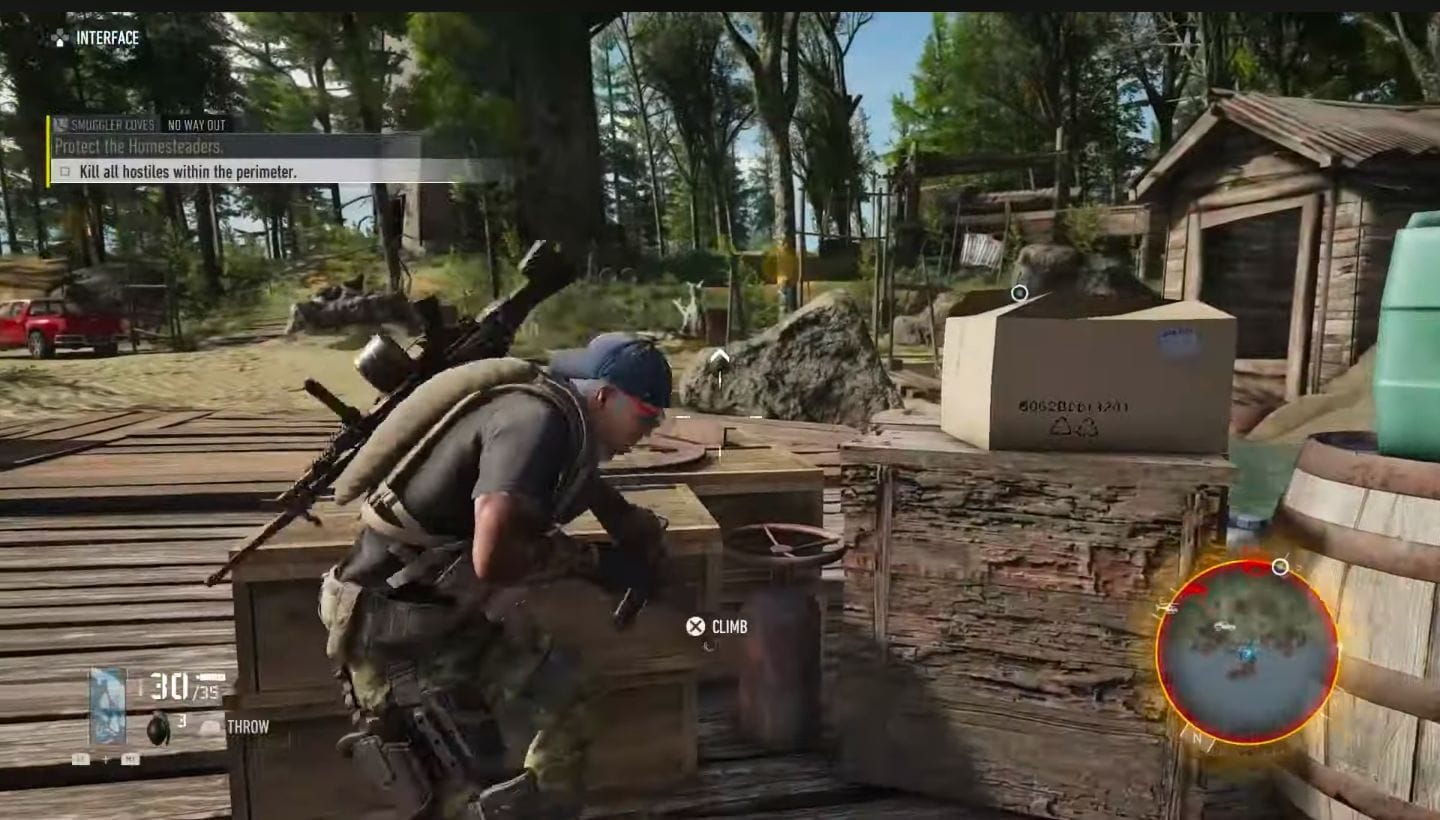
As mentioned earlier, Shoulder Switch is an important gameplay mechanic in Ghost Recon Breakpoint that lets you switch between shoulder perspectives. To do so, simply press R1 on PlayStation, RB on Xbox, or the Middle Mouse Button on PC.
However, one thing worth noting is that you only need to press the button once to switch to the opposite shoulder. Triggering the same button again will switch the perspective back to the previous side.
That way, you can quickly change your character’s perspective without moving around to get a better angle. This single-button toggle can be especially useful during packed combat situations where every bit of visibility matters.
Moreover, if you want to reassign this control to another key, you can easily change the binding from the settings. First, navigate to the Options menu from the main menu. Now, select Settings, head to Customize Controls, followed by the Combat & Squad option. From there, assign the Shoulder Switch control to any desired key or button.
Check out more articles on games other than Ghost Recon Breakpoint:
Are you stuck on today’s Wordle? Our Wordle Solver will help you find the answer.
Edited by Pranav Sharma