
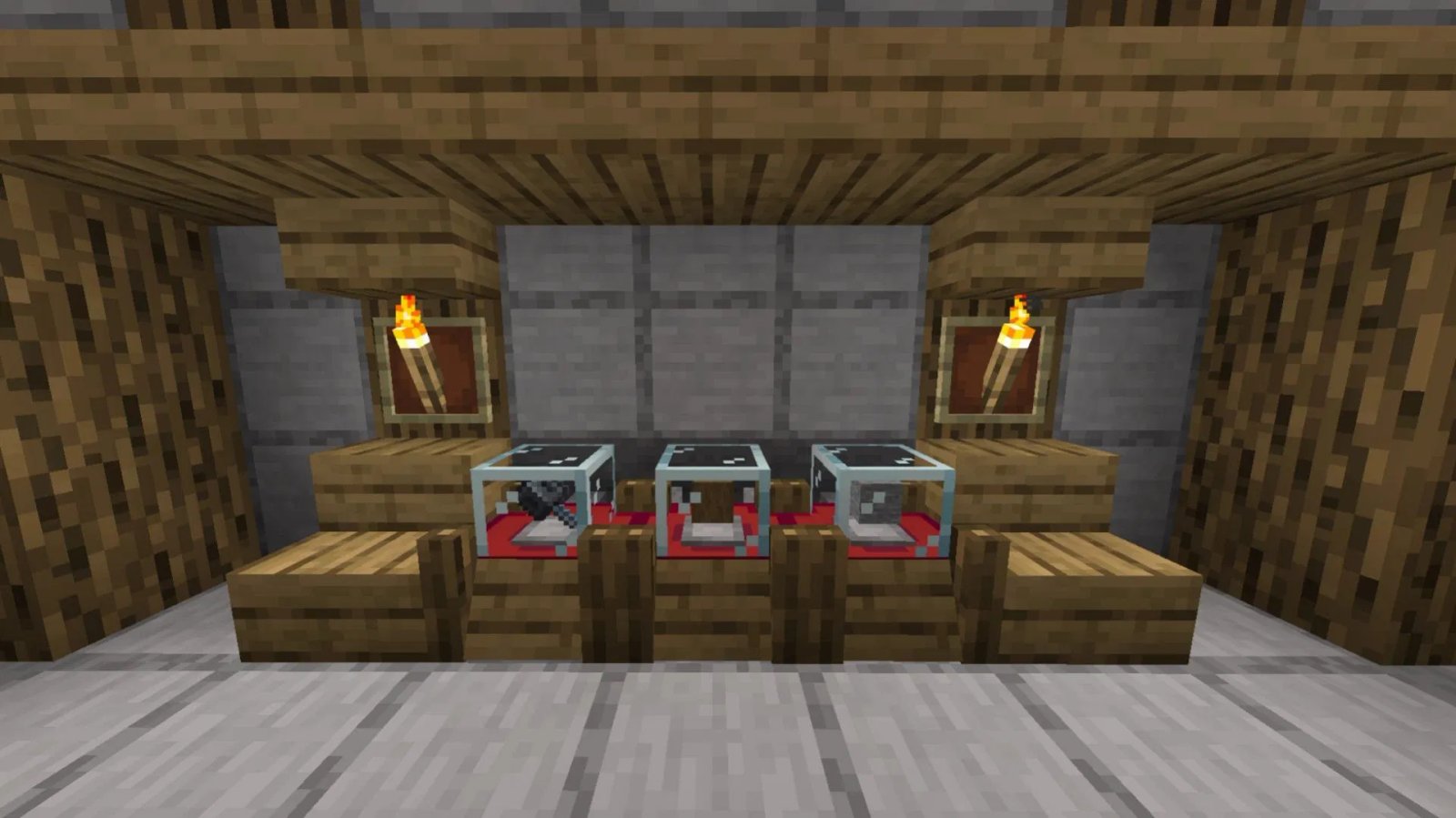

Minecraft Shoppy mod features a unique mechanic through which players can trade or barter with one another. In many role-playing servers, players have created shops and sold items simply by talking and negotiating with other players. However, this mod takes shopping to a whole new level with special blocks to sell items.
Here are more details about the Minecraft Shoppy mod.
Features and download guide for Minecraft Shoppy mod
What does the Minecraft Shoppy mod offer?
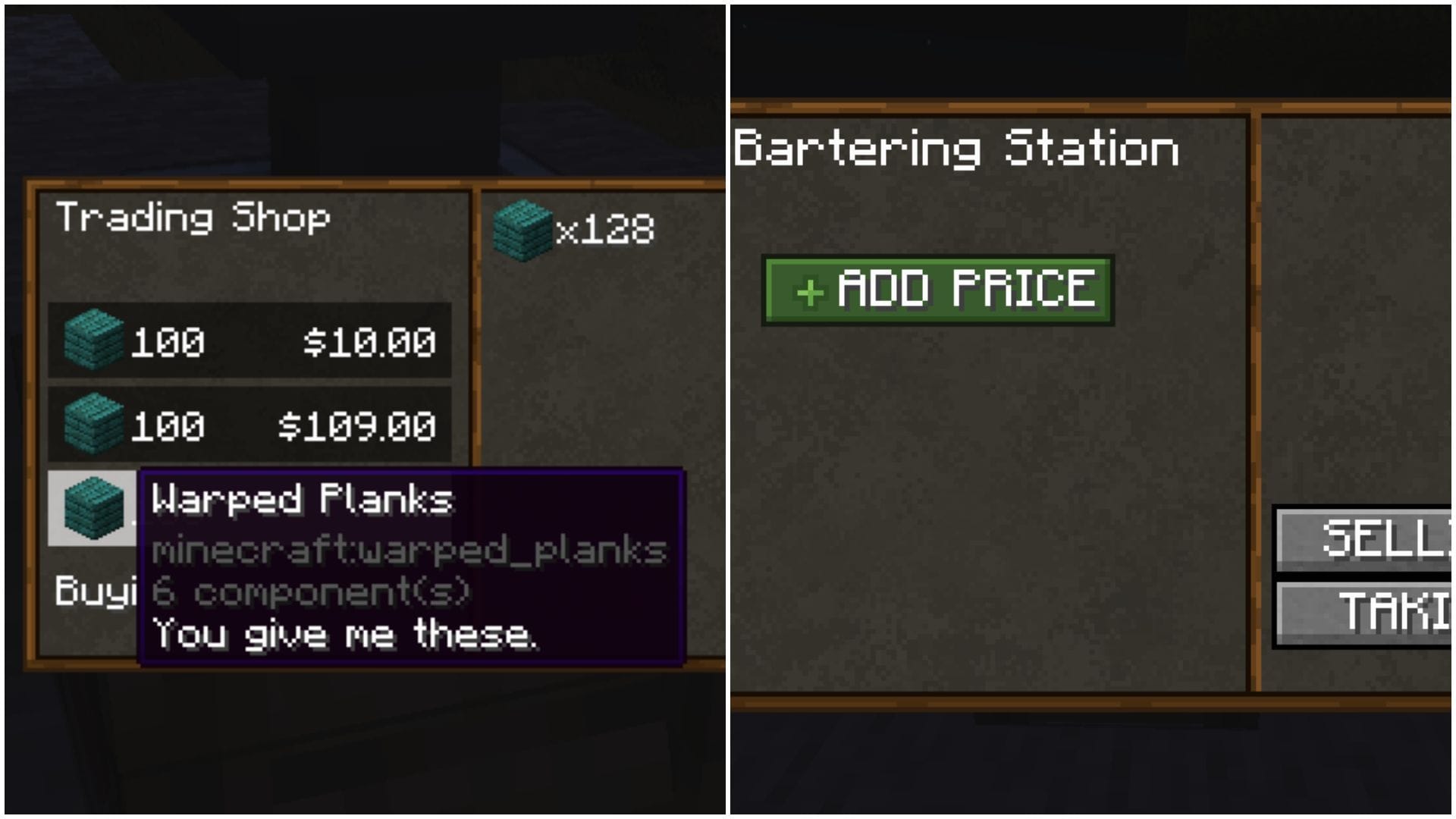
Minecraft Shoppy is basically a simple mod that adds one new block and a new mechanic, allowing you to trade or barter with other players. The trading can be done without the need to manually create a shop, store items in chests, and meet people to negotiate. It is essentially a vending machine mod.
The mod adds a new block called a bartering station, in which you need to place items that you want to sell and set a particular type of currency. After you set the currency, the bartering station will be active, allowing other players to purchase items from it.
In order to craft the bartering station block, you will need two gold nuggets, one glass, one chest, two carpets, two logs, and one smooth stone. Once it is purchased, you can place it anywhere in the world and interact with it to open a brand new UI. Here, you can search for and set the item you want to sell, and price it however you want. Finally, you can fill the block with the stock and open for business.
The modder added special anti-griefing or theft systems to the bartering station block. By default, it cannot be broken from explosions or any other tool. Only the operators or you who own the block can break it.
How to download and install the Minecraft Shoppy mod?
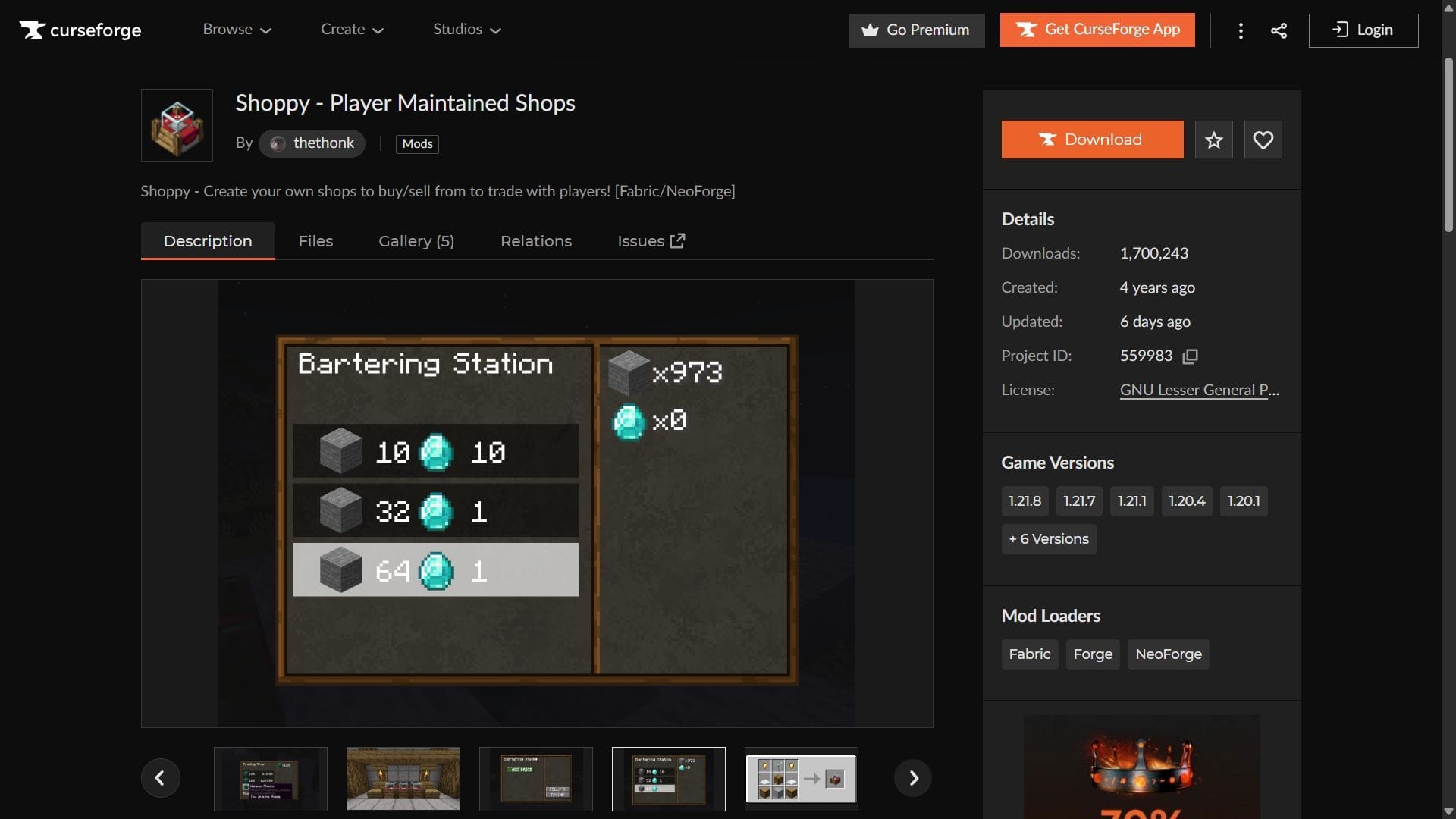
Here is a short guide on downloading and installing the Minecraft Shoppy mod:
- Download and install NeoForge for 1.21.1.
- Head to CurseForge and search for the Shoppy mod.
- On the mod’s product page, find and download the mod file, which should be compatible with NeoForge 1.21.1.
- Also, the latest version of the EpheroLib mod for NeoForge 1.21.1 should be downloaded.
- Copy and paste the mod files into the “mods” folder in the root game directory. For me, it’s C:\Users\admin\AppData\Roaming\.minecraft.
- Open the title’s launcher and find the NeoForge 1.21.1 modded game version.
- Open the game, create a new world, and start building the bartering station and creating your shop.
Check out our latest articles on Minecraft:
Edited by Akshat Kabra