

There are plenty of Minecraft mods out there that can make Java Edition look and feel like the Actions and Stuff addon from Bedrock Edition. It is one of the best addons that entirely changes the textures, animations, particle effects, and other visual features on Minecraft Bedrock Edition. Since its release, many players have tried to recreate the addon for Java Edition using mods.
One Minecraft mod that brings Actions and Stuff character hand animations to Java Edition is called Hold My Items. Here are more details about it, including its features and download guide.
Guide for Hold My Items Minecraft mod (Actions and Stuff hand animations)
How does the Minecraft Hold My Items mod work?
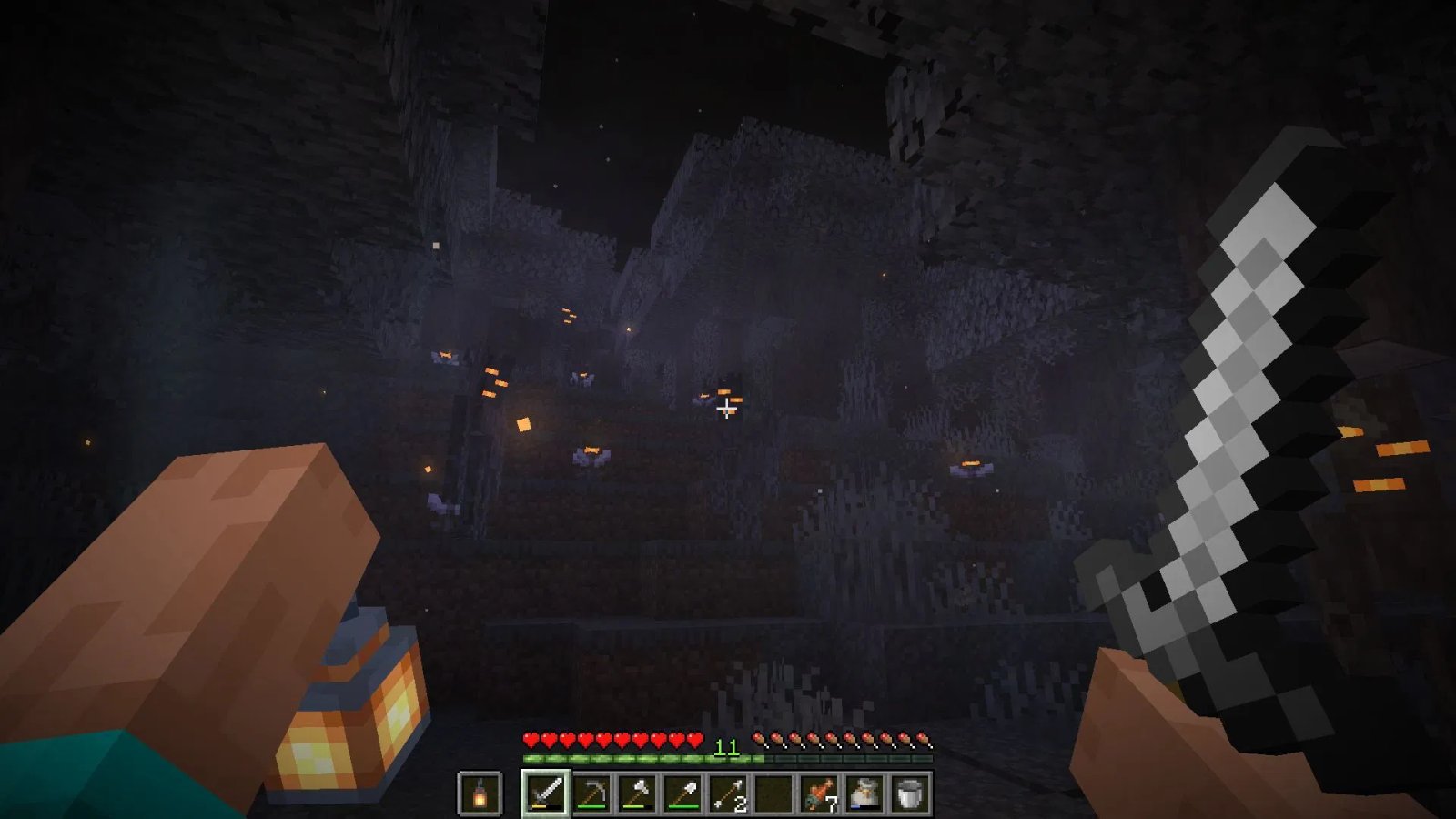
If you have played the Actions and Stuff addon for Bedrock Edition, you must have noticed the smooth and realistic hand animations. Your hands will mostly be visible on the screen when you are holding any item. The hand movement animations and the item’s animation will be a lot smoother and more realistic than vanilla. If you are holding a lantern, your hand will extend, and an actual 3D lantern will be shown hanging from it.
This is exactly what the Hold My Items Minecraft mod brings to the table. It adds all sorts of hand movement mechanics to Java Edition. When mining or chopping down trees, your character’s hands will move realistically, showing that the character is actually swinging the tools. When crawling in a 1×1 hole, the character’s hands will look like they are pulling the character forward.
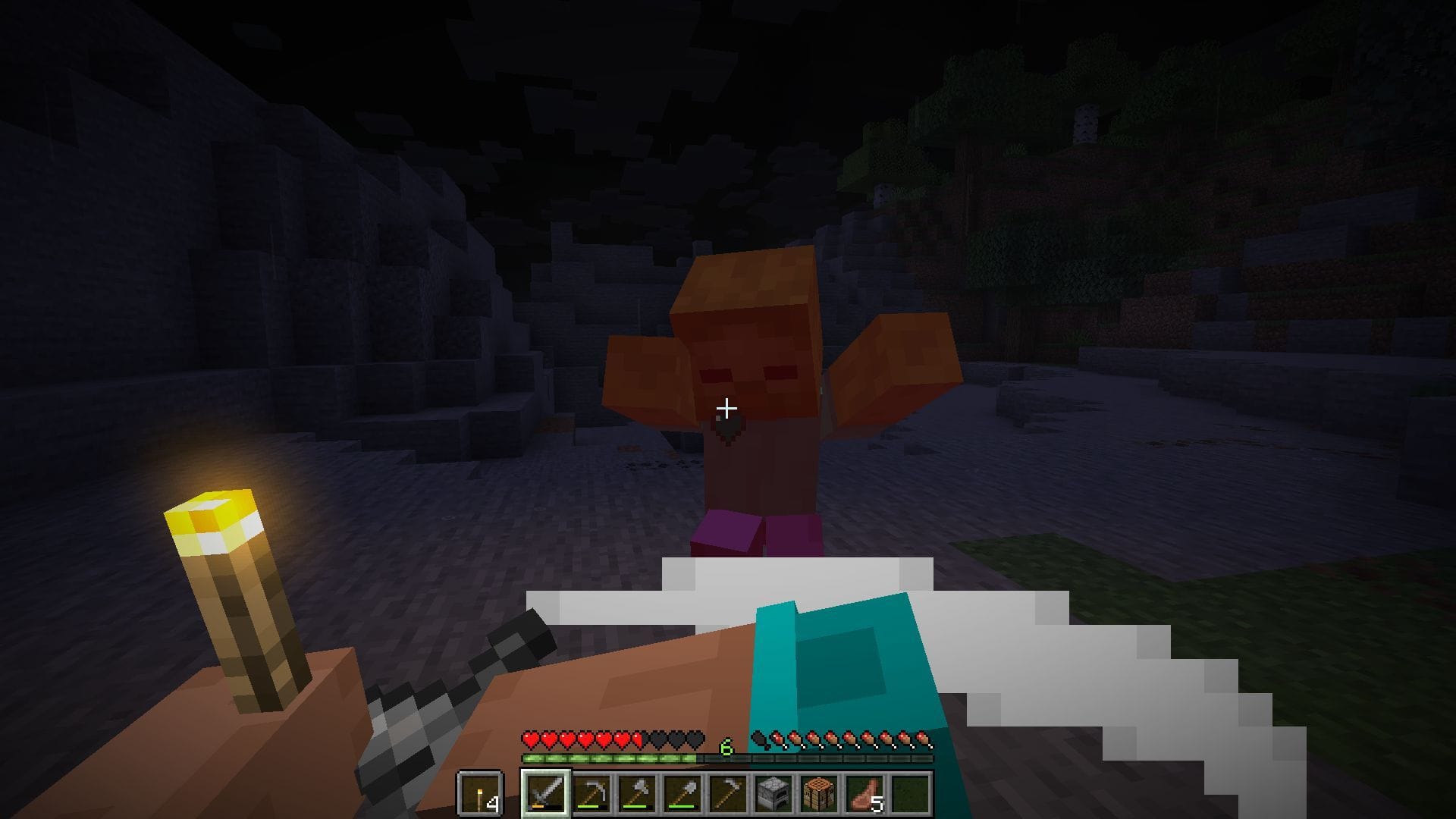
However, one major difference from Actions and Stuff is that these new hand and item animations will only be visible in first-person mode. If you look at yourself or other players who might also have the mod installed, you will simply see vanilla hand movements and animations. This is not the case for Actions and Stuff, since it also supports third-person animations.
One important note from the modder is that this mod does not support Java 22. Hence, if you have Java 22 installed on your PC, you must first downgrade it to Java 21 by downloading it from Oracle’s official website.
Also Read: Is Minecraft Actions & Stuff available for Java Edition?
How to download and install the Minecraft Hold My Items mod?
Here is a guide to download and install the Hold My Items Minecraft mod:
- Download and install Fabric for 1.21.11.
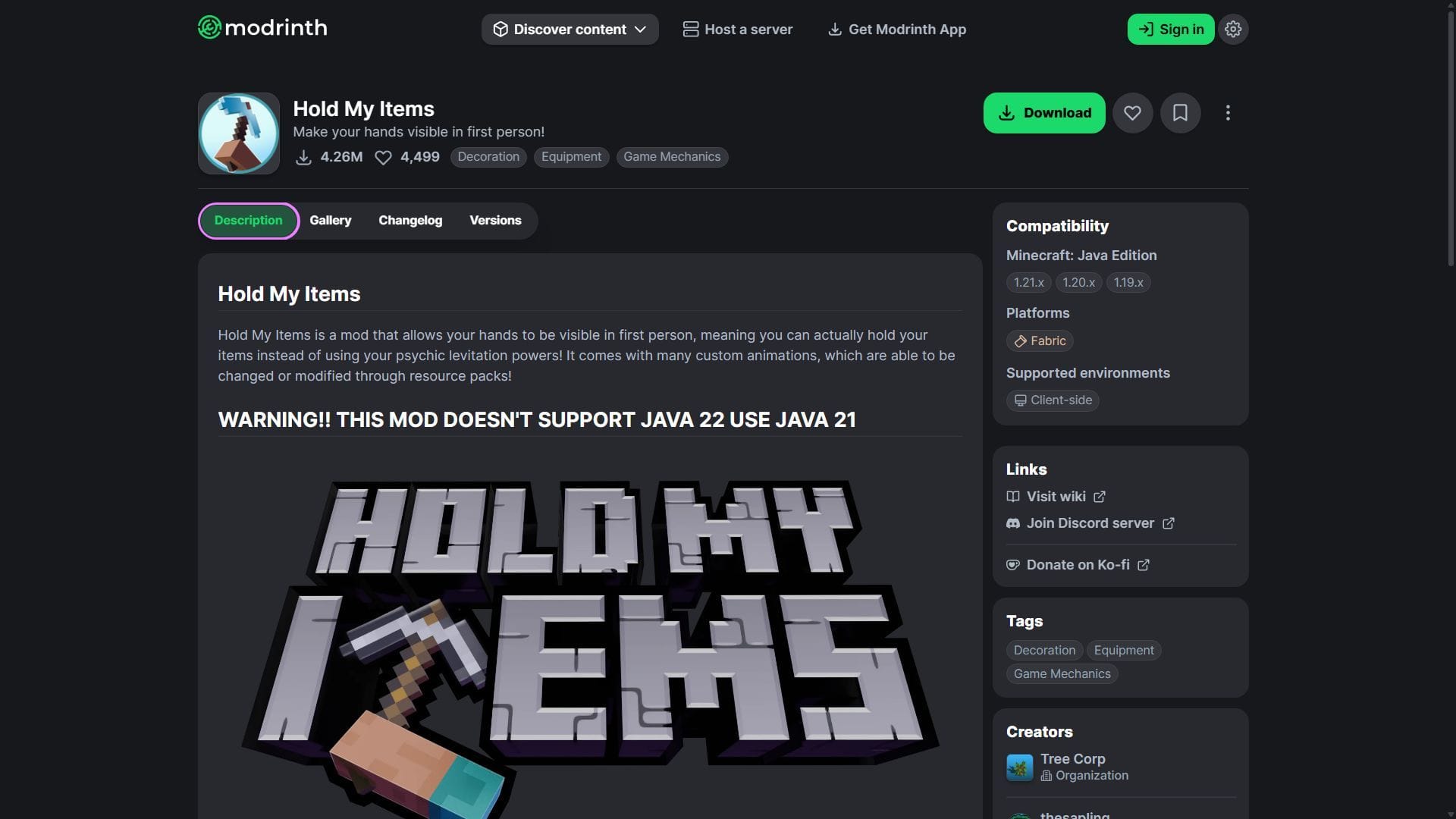
- Head to Modrinth and search for the Hold My Items mod.
- On the mod’s product page, find and download the mod file, which should be compatible with Fabric 1.21.11.
- Copy and paste the mod files into the “mods” folder in the root game directory. For me, it’s C:\Users\admin\AppData\Roaming\.minecraft.
- Open the game’s launcher and find the Fabric 1.21.11 modded game version.
- Open the game, create a new world, and test out the new, modern hand animations.
Check out our latest articles:
Edited by Akshat Kabra