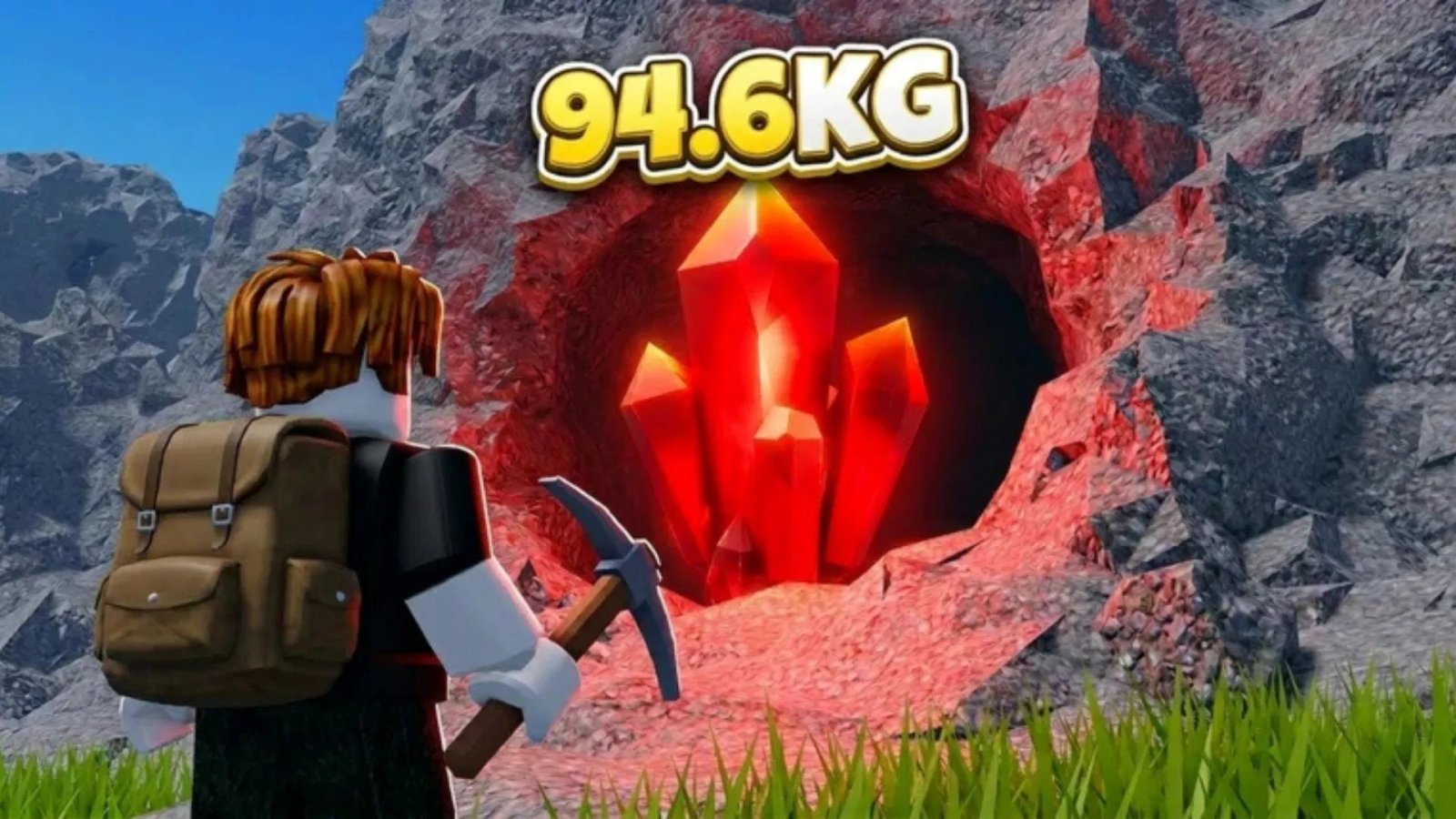

Mine a Mountain is an incremental simulator on Roblox in which you climb a mountain, equip your best Pickaxe, and start mining to obtain rare crystals. Once the backpack is full, you return to the lobby, place luck-boosting crystals on your base, and sell the rest to generate some income. Using the money thus collected, you can purchase better Pickaxes, stat upgrades, and Bombs to progress faster.
In this guide, we will discuss everything that’s important to know about this game.
Everything that’s important to know about Mine a Mountain
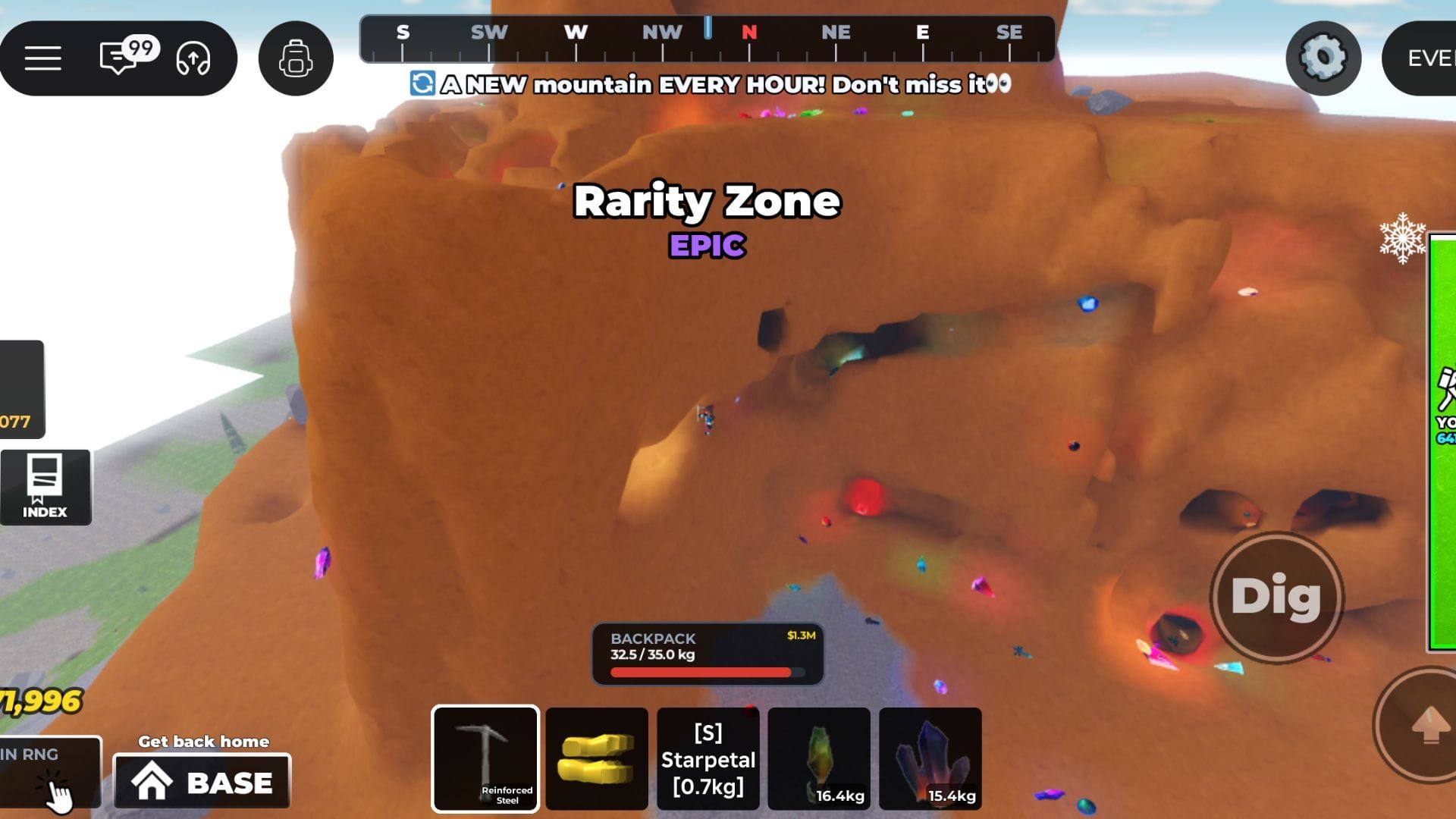
Developed by 10K Steps, Mine a Mountain is an incremental simulator in which you unlock and equip your best pickaxes, reach different rarity zones of a mountain, and start mining to obtain rare crystals. Here’s everything that’s important to know about this game:
Mountain
The game’s map is majorly covered by the mountain. Based on the height, it is divided into several rarity zones through which you can proceed by purchasing Warmth upgrades. To start mining at each zone, you’ll require Pickaxes of varying rarity, power, and mine size. Moreover, to reset the mining and crystal spawn, mountains reset every hour.
Base
You’ll find your base at the lobby. By equipping each of your crystals, you can start placing them on your base to gain some mining luck boosts. Moreover, to unlock more slots at your base, you can purchase upgrades by interacting with the board, placed at the entrance.
Pickaxes
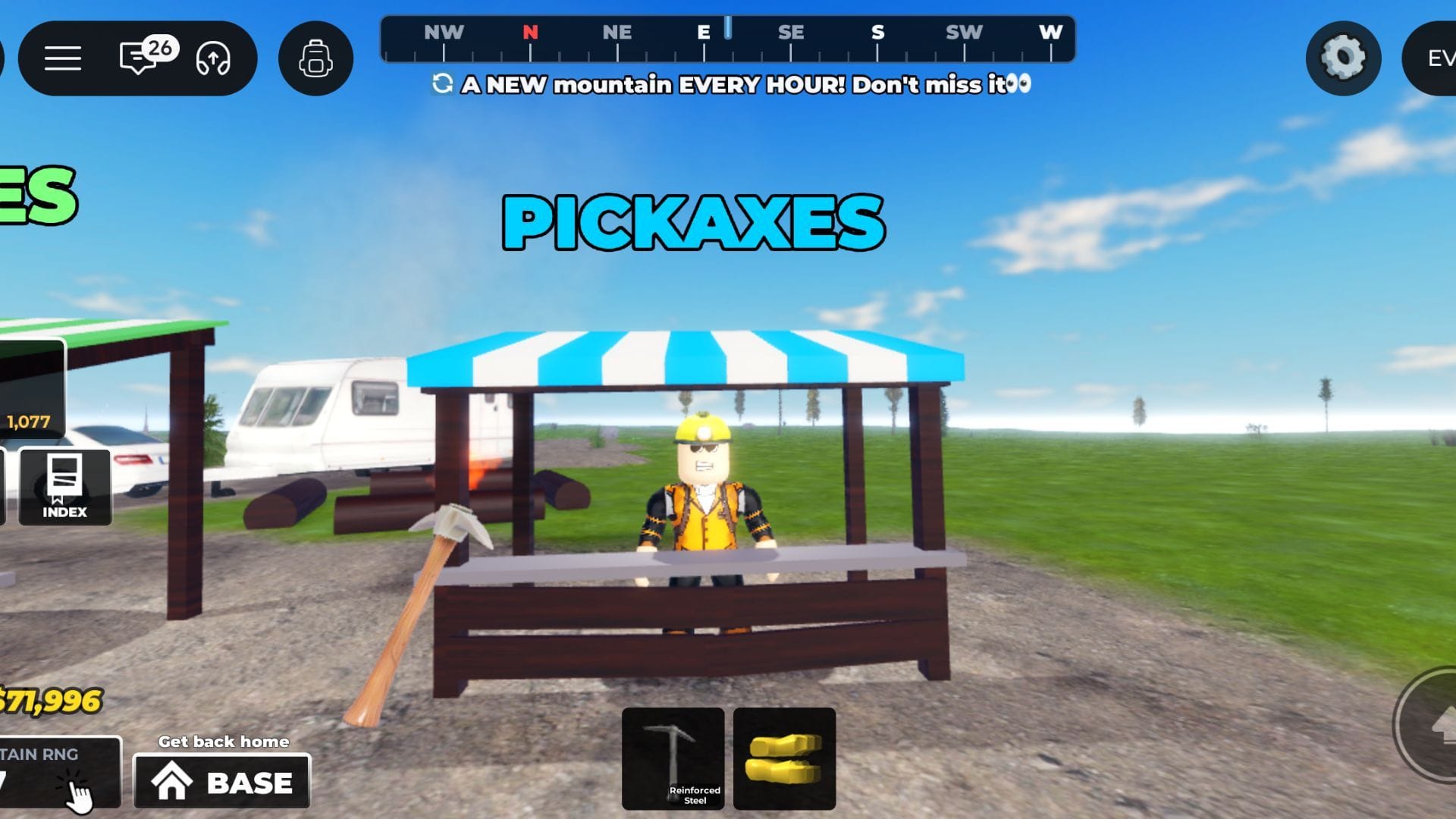
Opposite to the Sell shop, you’ll find the Pickaxes shop, which allows you to purchase Pickaxes with varying mine size, power, and rarity. Here’s a list of them all:
- Rusty Scrapper
- Weathered Wood
- Chipped Stone
- Hardened Iron
- Copper Pick
- Reinforced Steel
- Titanium Spike
- Frostbite Pick
- Emerald Carver
- Volcano Basalt
- Obsidian Edge
- Tempest Pick
Bombs
Near the Pickaxes shop, you’ll find the Bombs shop, which allows you to purchase explosives with different abilities:
- Classic Bomb
- Wind Bomb
- Ice Bomb
- Fire Bomb
- Thunder Bomb
- Poison Bomb
- Time Bomb
- Agony Bomb
Upgrades
Between the Pickaxes and Bombs shop, you’ll find the Upgrades shop which allows you to purchase these upgrades:
- Warmth: By purchasing these upgrades, you can ascend higher on the mountain and reach rarer mining regions.
- Carry Weight: It will allow you to carry more crystals in your bag during each run.
Tips to dominate Mine a Mountain
Here are some tips that’ll help you dominate this incremental simulator:
- Upgrade your Pickaxe whenever possible. A Pickaxe with higher Power and Mine Size lets you clear blocks faster, helping you collect more crystals in less time.
- Prioritize Warmth upgrades early. Increasing your Warmth lets you reach higher sections of the mountain, where rarer and more valuable crystals spawn.
- Place your best crystals at your base. Instead of selling every crystal, keep the ones that provide the highest Luck boost. Better luck increases your chances of finding valuable crystals during future mining runs.
- Increase your Carry Weight regularly. A larger backpack means fewer trips back to the lobby, allowing you to spend more time mining and earning money.
FAQs on Mine a Mountain
How to make money in Mine a Mountain?
You can make money by mining crystals from the mountain, returning to the lobby, and selling them to the Crystal Buyer NPC. The more valuable the crystals you sell, the more money you’ll earn.
What is the best way to progress in Mine a Mountain?
Focus on upgrading your Pickaxe, purchasing Warmth upgrades to access higher mining zones, and increasing your Carry Weight. These upgrades let you mine rarer crystals and earn money much faster.
How often does the mountain reset in Mine a Mountain?
The mountain resets every hour, restoring all mined blocks and crystal spawns. Mining after a reset is a great way to collect fresh resources and maximize your earnings.
Edited by Shivansh Gupta